Last updated: 11 September 2026
Want to learn Klik VIP by watching the actual steps instead of reading a long manual? The official Klik VIP YouTube channel is the easiest place to follow video walkthroughs, product tutorials and feature guides.
This page is your starting point. Use it to understand what to learn first, which Klik VIP features to explore next, and where to find the most useful video tutorials.
Popular Klik VIP Tutorial Topics
Not sure what to watch first? Choose one of these four practical tutorial areas.
Learn how to create, organise and customise your Klik VIP Bio Link.
Watch Tutorial →Create QR codes for WhatsApp, WiFi, URLs, vCards and other business use cases.
Watch Tutorial →Learn how to create short links and use cleaner, more memorable campaign URLs.
Watch Tutorial →Learn how to create digital contact cards and vCard QR codes for easy contact sharing.
Watch Tutorial →Where Should You Start?
Klik VIP combines several marketing tools in one platform, including Bio Links, Short URLs, QR Codes, vCards, analytics, tracking pixels, custom domains, projects and developer tools.
If you are completely new to Klik VIP, a simple learning order is:
↓
Build Your First Bio Link
↓
Create Short URLs
↓
Create QR Codes
↓
Learn Analytics & Tracking
↓
Explore Advanced Features
1. Getting Started With Klik VIP
Start with the basics before exploring the more advanced tools.
- Register a Klik VIP account
- Understand the dashboard
- Create and organise projects
- Choose the right Klik VIP tool for your objective
- Learn how your links, QR codes and analytics work together
You do not need to learn every feature at once. Start with the tool that solves your immediate problem, then expand from there.
2. Bio Link Tutorials
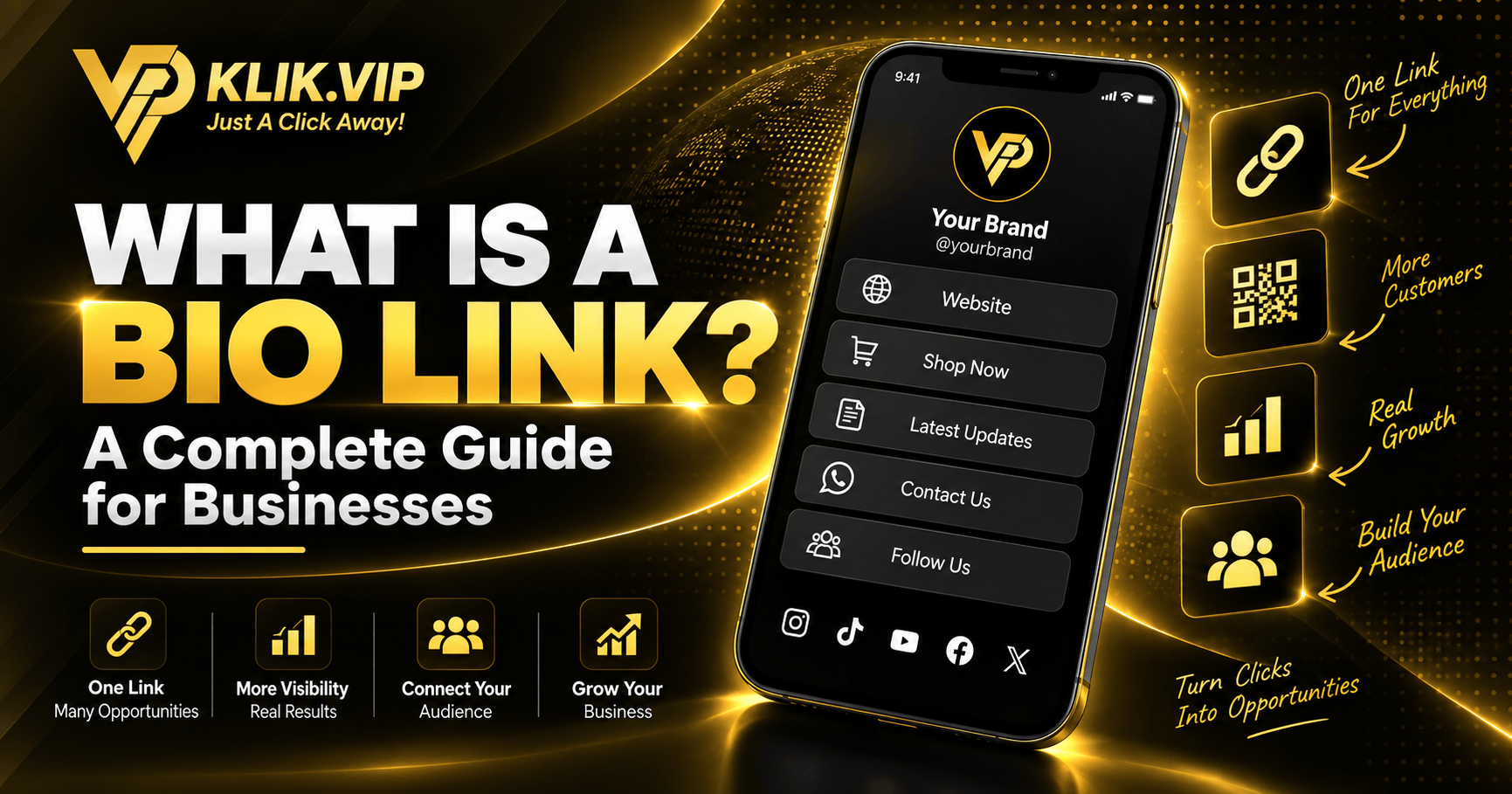
A Bio Link gives you one URL that can lead visitors to multiple destinations such as WhatsApp, your website, social profiles, booking pages, menus, promotions and other important links.
Useful Bio Link tutorials include:
- Create your first Klik VIP Bio Link
- Add and arrange blocks
- Create buttons and link blocks
- Add images, text and social links
- Customise colours, themes and branding
- Preview your Bio Link on mobile
3. Short URL Tutorials
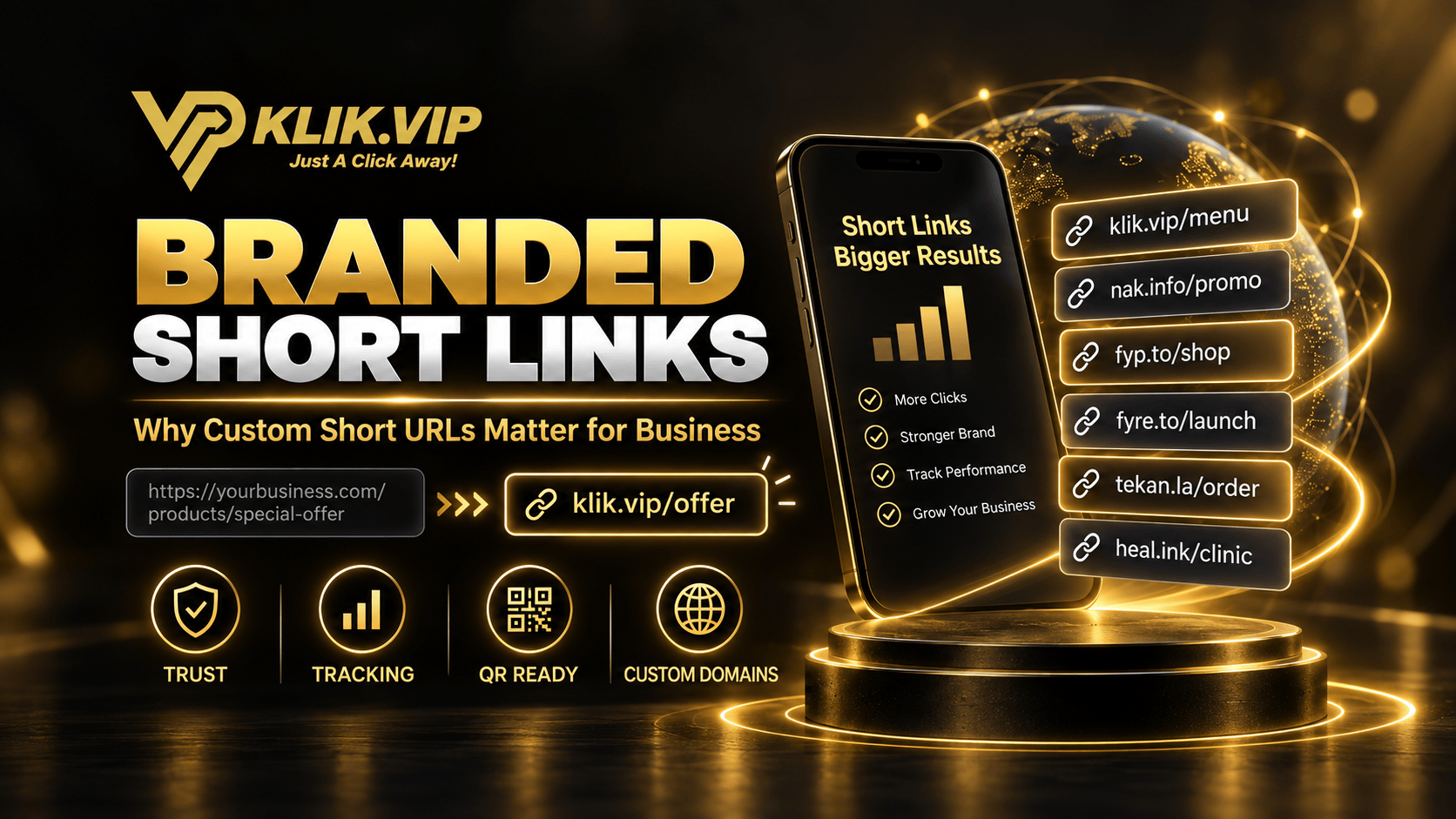
Klik VIP is also a URL shortener. You can shorten long URLs, create memorable links and use additional Klik VIP domains for different campaigns.
Tutorial topics include:
- Create a Short URL
- Customise the short link
- Choose an available Klik VIP domain
- Create a custom back-half
- Use supported targeting and link settings
- Understand click analytics
Klik VIP's standard domain is klik.vip. Premium platform domains include nak.info, fyp.to, fyre.to and tekan.la, while heal.ink is also available as a special link option.
4. QR Code Tutorials
Klik VIP includes a QR-code generator with multiple QR types and extensive visual customisation.
Learn how to create:
- URL QR codes
- WhatsApp QR codes
- WiFi QR codes
- vCard QR codes
- Location and event QR codes
- Custom QR themes, styles, colours and frames
- QR codes with your business logo and branding
Start here WhatsApp QR Code
Create a scan-to-chat experience WiFi QR Code
Help guests connect faster Google Review QR
Make review access easier
5. Digital Business Card & vCard Tutorials
Klik VIP can also create digital contact experiences through vCard Links and vCard QR Codes.
These are useful for entrepreneurs, sales teams, consultants, property agents, trainers, speakers and anyone who regularly shares contact information.
- Create a vCard Link
- Add your contact and business information
- Add phone numbers and social profiles
- Create a vCard QR Code
- Customise the QR design
- Choose when to use a vCard Link, vCard QR Code, or both
Read: How to Create a Digital Business Card
Prefer Watching the Steps?
Open the free Klik VIP video tutorials on YouTube and follow the walkthroughs at your own pace.
▶ Browse Free TutorialsOpens the official Klik VIP YouTube channel.
6. Analytics, UTM & Tracking Tutorials
Creating a link is only the first step. Klik VIP also includes analytics and tracking tools so you can understand what happens after people click.
Useful learning topics include:
- Read link analytics
- Understand locations, devices and referrers
- Use UTM parameters
- Create and apply tracking pixels
- Connect supported tracking platforms
- Measure campaigns separately
Understand campaign performance What Are UTM Parameters?
Track where clicks come from
7. Projects, Custom Domains & Advanced Klik VIP
Once you are comfortable with the core features, explore the more advanced parts of Klik VIP.
- Create and organise Projects
- Connect your own custom domain
- Use advanced Short URL settings
- Host static HTML, CSS and JavaScript sites
- Use tracking pixels across supported assets
- Explore the Klik VIP API
Domains such as nak.info or fyp.to are memorable Klik VIP platform domains. A true custom domain is a domain owned or controlled by your business and connected to your Klik VIP account.
Continue Learning on YouTube
Watch free step-by-step Klik VIP tutorials and product walkthroughs whenever you need help using a feature.
▶ Browse Klik VIP TutorialsFree tutorials • Opens on YouTube
Don't Have a Klik VIP Account Yet?
Create your account first, then follow the tutorials while using Klik VIP.
Create Your Klik VIP AccountFollow the step-by-step dashboard instructions in the Klik VIP User Guide.
Open Getting Started GuideEditorial note: Klik VIP features and interface elements may change over time. This guide may be updated as new Klik VIP tutorials and features become available.