Last updated: 19 September 2026
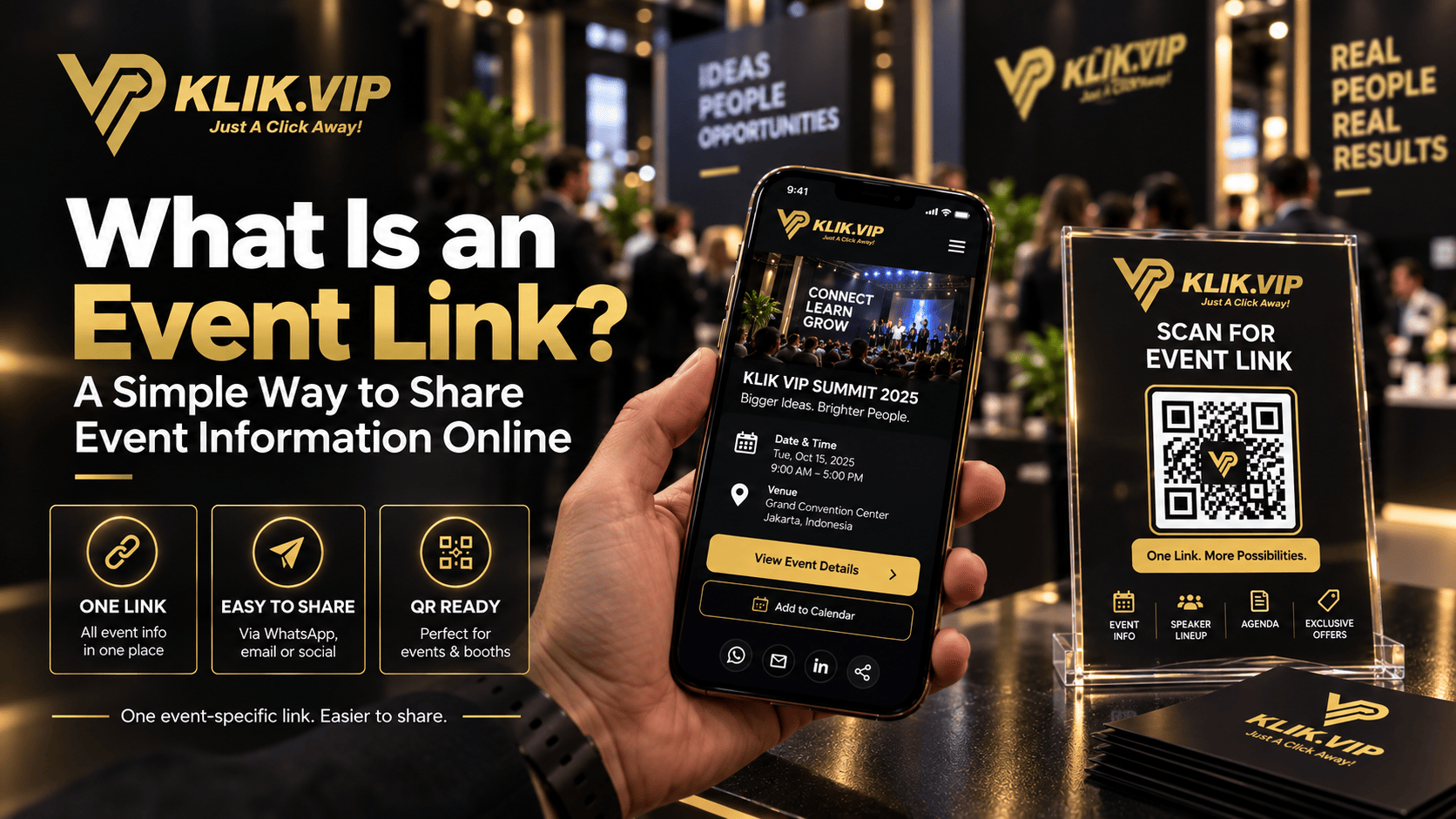
An event link is a dedicated URL centred on one event. Instead of sending people different links for different stages of the same campaign, you can promote one event-specific destination and make it easier for people to know where to go next.
For a seminar, workshop, expo, meetup or business event, that can make promotion cleaner across social media, WhatsApp, email, printed materials, QR codes and onsite signage.
Klik VIP includes Event Links as a dedicated link type for creating and managing event links. This article focuses on the strategy and use cases. The exact Klik VIP setup belongs in the User Guide.
What Is an Event Link?
Think of an Event Link as the URL you intentionally associate with one event.
The important part is not simply that the URL exists. The value comes from giving attendees, prospects and partners a consistent destination they can recognise and reuse throughout the event journey.
What sits behind the link depends on your event and the current Klik VIP configuration. Avoid assuming every event needs the same information or the same customer journey.
Why Use One Event-Specific Link?
1. It Gives People One Clear Place to Start
Event marketing often becomes messy because different materials point to different destinations. One poster links to registration, another social post links to a general website, while a WhatsApp message sends people somewhere else.
A dedicated event link gives you one address to promote consistently.
2. It Is Easier to Reuse Across Channels
The same event-specific URL can be shared through social posts, WhatsApp, email, slides, printed materials or a QR code. That does not mean every channel should use identical copy — only that the destination can remain consistent.
3. It Can Reduce Attendee Confusion
When people repeatedly see the same event link, it becomes easier to recognise which URL belongs to that event.
That is especially helpful when the event has several promotional touchpoints before the day itself.
4. It Keeps the Event Separate From Your Everyday Business Links
Your normal Bio Link may contain WhatsApp, products, services, social media and other business actions. An event-specific link gives you a cleaner way to focus the visitor on the event instead of sending them into your full business link ecosystem.
How Businesses Can Use an Event Link
The most useful Event Link strategy depends on the type of event and the next action you want people to take.
Seminars and Workshops
Use one event-specific destination across promotional posts, reminder messages, presentation slides and printed materials. Keep the message around the link focused on what attendees need at that stage.
Exhibitions and Trade Shows
An Event Link can work alongside your booth QR strategy. Instead of printing a long URL, place the event link behind a QR code and give visitors a fast route from the physical event environment to the online destination.
For more placement ideas, see QR Codes for Events & Booths: 10 Ways to Drive Digital Action.
Classes and Community Events
A recurring class, meetup or community event may need a single link that people can easily recognise in group messages, reminders or posters.
Corporate Events and Launches
A dedicated event link can help separate one launch, conference or internal event from the organisation's main website and day-to-day marketing links.
Can You Put an Event Link Behind a QR Code?
Yes. A shareable event URL can be encoded into a QR code so people can scan it from a poster, booth, ticket, presentation slide, tabletop sign or other physical material.
The QR code is simply the access method. The Event Link is the destination URL you want the visitor to open.
If you need the broader QR concept first, read What Is a QR Code?.
Always test the QR code and the event destination on a normal phone before printing posters, banners, tickets or signage in quantity.
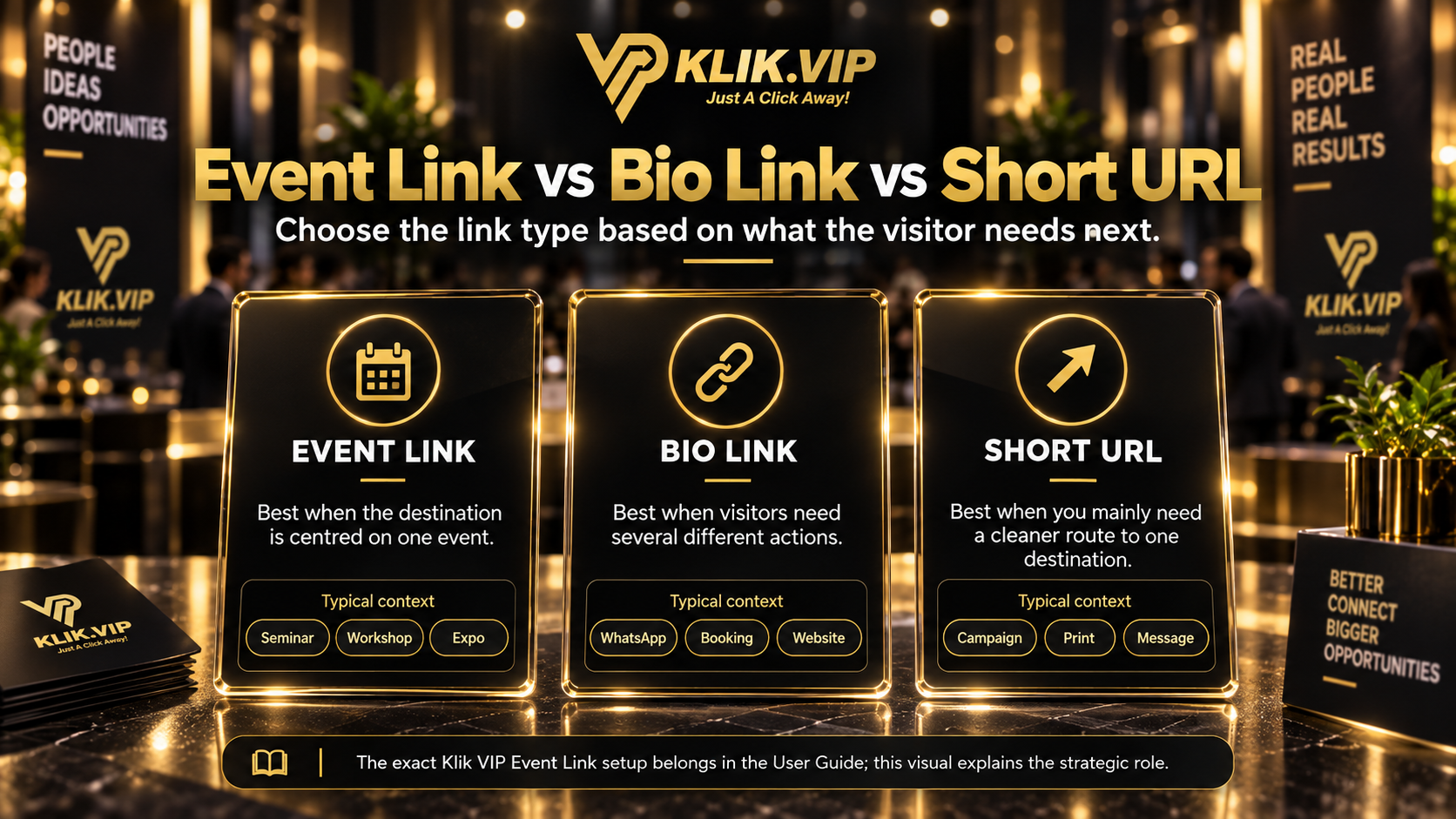
Event Link vs Bio Link vs Short URL
These link types can overlap in marketing, but they solve different problems.
Use an Event Link When the Context Is One Event
This is the clearest fit when the URL is specifically associated with a seminar, workshop, expo, meetup or another defined event.
Use a Bio Link When Visitors Need Several Different Actions
A Bio Link is more suitable when the visitor needs several business actions from one page — for example WhatsApp, booking, products, social profiles and a website.
Use a Short URL When You Mainly Need a Cleaner Route
A Short URL is useful when you primarily want a shorter, easier-to-share path to another destination.
The best choice depends on the visitor journey. You do not need to force every event into the same link structure.
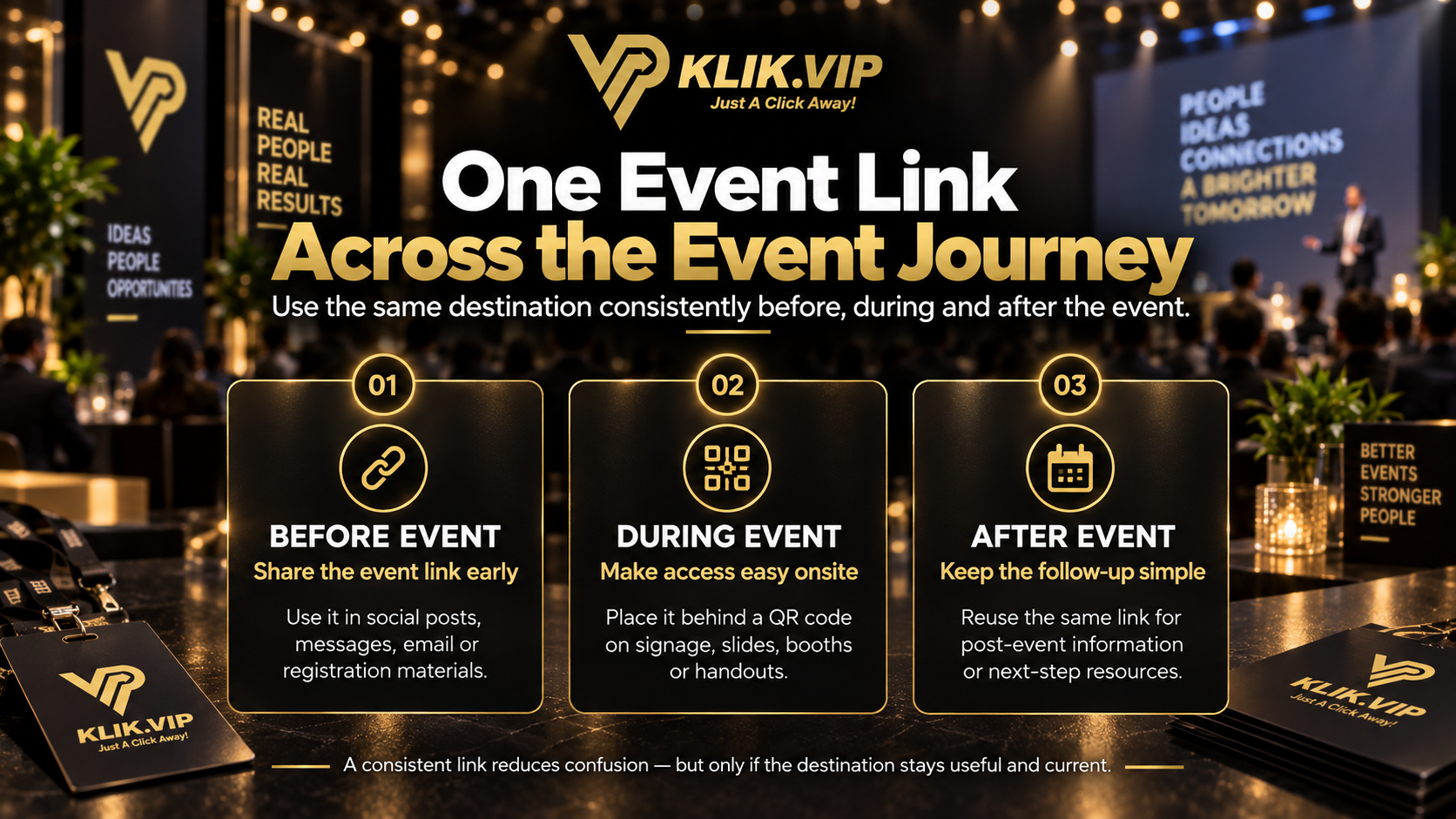
Before the Event: Keep Promotion Consistent
Before the event, your Event Link may appear in multiple places:
- social media posts
- WhatsApp invitations or reminders
- email campaigns
- digital posters
- printed flyers
- speaker or partner promotions
The benefit is consistency. Even if each channel uses different wording, people can still arrive at the same event-specific destination.
During the Event: Make the Link Easy to Access
Once attendees are onsite, the link needs to be easy to find.
You can place it behind QR codes on:
- registration counters
- presentation slides
- booth signage
- tabletop cards
- printed handouts
- event takeaway materials
Do not hide an important QR code in a decorative corner. Place it where people naturally stop, wait or need information.
After the Event: Decide Whether the Same Link Is Still Useful
A common mistake is to keep promoting an event link after the event without checking whether the destination still makes sense.
If the same link remains useful for follow-up information or next steps, you can continue using it. If it no longer helps the visitor, move the follow-up journey to a more relevant destination.
The principle is simple: the link should remain useful to the person clicking it.
Should You Track an Event Link?
Tracking can help you understand link activity, but do not treat a click as a confirmed registration, attendance or sale.
Link data can help answer questions such as:
- Which campaign generated more link activity?
- Which placement received more clicks?
- Did interest increase after a reminder or announcement?
To understand what link activity means, read What Is Link Tracking?.
For actual registrations, bookings, sales or attendance, confirm the outcome through the relevant registration, CRM, payment, booking or event-management data.
When an Event Link Is Not Enough
An Event Link is useful when one event needs one recognisable destination, but some event campaigns need more than that.
You may need a Bio Link when attendees require several unrelated actions, a dedicated landing page when you need long-form sales content, or a separate registration system when the event requires a full booking or ticketing workflow.
Use the simplest structure that supports the event properly.
Follow the current step-by-step dashboard instructions in the Klik VIP User Guide.
Create an Event LinkRelated Klik VIP Guides
See practical ways to turn physical event traffic into digital action. What Is a QR Code?
Understand how QR codes connect physical touchpoints to online destinations. What Is a Short URL?
Learn when a short link is the simpler option. What Is a Bio Link?
Use one page when visitors need several business actions.
Frequently Asked Questions
Is an Event Link the same as a registration page?
Not necessarily. An Event Link is the event-specific URL you promote. The actual destination and workflow behind it depend on how the event is configured and what attendees need to do.
Can I use an Event Link with a QR code?
Yes. A shareable event URL can be encoded into a QR code so people can scan it from printed or physical event materials.
Should I use an Event Link or a Bio Link?
Use an Event Link when the context is centred on one event. Use a Bio Link when people need several different business actions from one page.
Should I keep using the same Event Link after the event?
Only if the destination is still useful. The link should continue to help the visitor rather than send them to outdated or irrelevant information.
Where can I find the exact Klik VIP Event Link setup steps?
Use the Klik VIP User Guide button above. It contains the current product setup instructions, while this article focuses on strategy and use cases.
Give Your Next Event One Clear Link
Create and manage your marketing links with Klik VIP, then use an Event Link when one event needs a dedicated destination that is easy to share.
Create Your Klik VIP Account