Last updated: 12 September 2026
TikTok can generate attention quickly, but attention only becomes useful when viewers know what to do next. A well-built TikTok link in bio can turn profile visits into WhatsApp enquiries, bookings, product clicks, leads and website traffic.
In this guide, you will learn how to create a TikTok bio link for your business using Klik VIP, how to add it to your TikTok profile, what buttons to prioritise and how to track the traffic you generate.
↓
Profile Visit
↓
Klik VIP Bio Link
↓
WhatsApp • Products • Booking • Website
↓
Enquiry, Lead or Sale
Can You Put a Clickable Link in Your TikTok Bio?
TikTok website-link availability depends on your account entitlements, market and business verification status. TikTok's current business documentation shows that eligible business profiles can display a website link, while some business-profile and conversion features are specifically tied to Verified Business Accounts.
If the Website field is available on your account, the usual flow is:
↓
Edit Profile
↓
Website
↓
Paste Your Klik VIP URL
↓
Save
If you do not see a Website field, check whether your account is set up as a Business Account and whether the relevant business features are available to your account.
Why Use a Bio Link for TikTok Business?
A TikTok visitor may be interested in different things depending on the video that brought them to your profile.
One person may want to ask a question on WhatsApp. Another may want to buy a product. Someone else may want to book a consultation or learn more on your website.
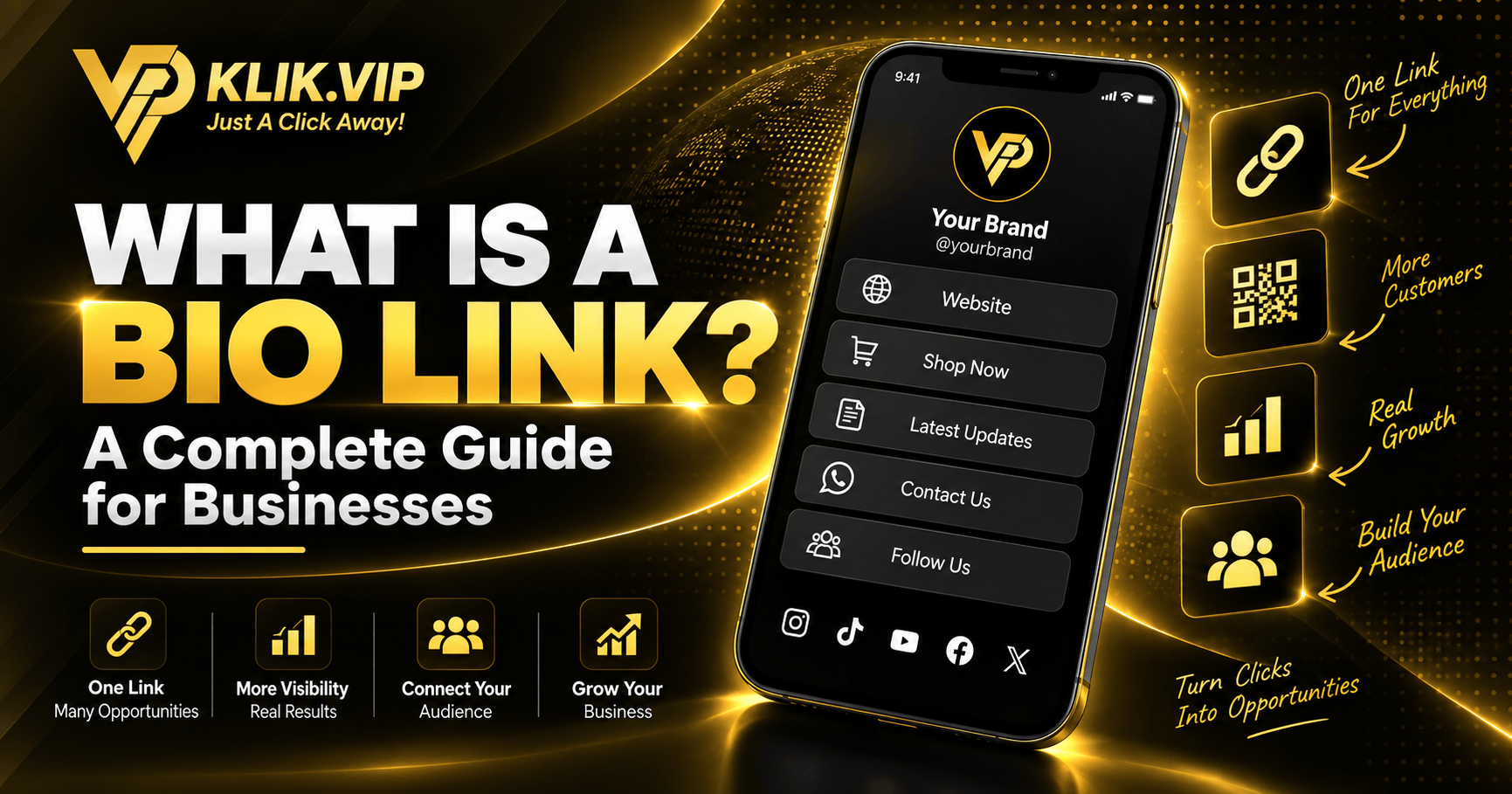
A Klik VIP Bio Link gives those visitors one organised page with multiple actions instead of forcing every visitor into the same destination.
- Send viewers to your main offer
- Collect WhatsApp enquiries
- Show products or services
- Promote bookings or appointments
- Collect leads using forms
- Send visitors to your website
- Show social proof and other content
What Should You Put Inside Your TikTok Bio Link?
The best TikTok Bio Link is not the one with the most buttons. It is the one that makes the next action obvious.
For many businesses, a useful structure is:
For direct enquiries and fast conversations.
Send high-intent visitors to what you sell.
Turn interest into appointments or consultations.
Give visitors access to deeper information.

How to Create Your TikTok Bio Link With Klik VIP
The Klik VIP setup is straightforward and can be managed from the Bio Link editor.
Step 1: Create Your Bio Link
Open Biolink pages inside Klik VIP and create your page. Choose a short URL that is easy to recognise and easy to remember.
For example:
Step 2: Choose a Theme
Start with one of the preset themes, then adjust the design to fit your business or personal brand.
Step 3: Customise the Page
Klik VIP lets you customise the page presentation, including settings such as background image or video, brightness, blur, favicon and other visual options.
Step 4: Add the Blocks That Matter
Add only the blocks that support your actual TikTok objective. Depending on your campaign, that may include links, images, socials, forms, appointments, products, videos or other supported content.

How to Add Your Klik VIP Link to TikTok
Once your Klik VIP Bio Link is ready, copy the published URL.
If your TikTok account provides the Website field:
- Open TikTok and go to your profile.
- Tap Edit profile.
- Open the Website field.
- Paste your Klik VIP Bio Link.
- Save your changes.
- Open your own profile and tap the link once to test it.
If the Website option is not shown, check your TikTok account type, Business Suite and business verification status. Feature availability can vary by market and account, so do not assume every TikTok profile has the same link options.
A Simple TikTok to Bio Link Funnel
Think of your TikTok Bio Link as the bridge between content and conversion.
↓
Profile Visit
↓
Bio Link Click
↓
WhatsApp / Product / Booking / Website
↓
Lead or Sale

Recommended Button Order for TikTok Traffic
TikTok traffic can be fast and impulsive. Put the action with the highest commercial intent close to the top.
- WhatsApp / Message — for immediate enquiries
- Shop Products — for visitors ready to buy
- Best Seller / Promotion — for current campaign traffic
- Book a Service — for appointments or consultations
- Website / Full Catalogue — for people who need more information
- Reviews / Proof — to build confidence

Match the Bio Link to the TikTok Video
A common mistake is sending every TikTok viewer to the same generic page without considering why they clicked.
If a video promotes a specific product, put that product near the top. If a video asks people to book a consultation, make the booking button obvious. If a video invites viewers to WhatsApp you, do not hide WhatsApp halfway down the page.
The stronger the connection between the video, the call to action and the first buttons on the Bio Link page, the less friction the visitor experiences.
Use Tracking Instead of Guessing
Klik VIP gives you tools to understand how your links are being used. Your Bio Link settings also include options such as UTM Parameters and Pixels.
This lets you build a more measurable journey from TikTok content to your business destination.
Understand how businesses measure clicks What Are UTM Parameters?
Track campaign sources more clearly
Who Can Use a TikTok Bio Link?
The strategy works for many types of businesses and creators, including:
- Live sellers and e-commerce businesses
- Coaches, trainers and consultants
- Restaurants and cafés
- Beauty and aesthetic businesses
- Property agents
- Event organisers
- Personal brands and creators
- Service businesses
Common TikTok Bio Link Mistakes
1. Too Many Buttons
More links do not automatically mean more conversions. Remove options that do not support the visitor's next step.
2. No Clear Primary Action
Your most important CTA should be visible quickly. Do not make a ready-to-buy customer search for the purchase link.
3. Bio Link Does Not Match the Video
If the video promises one thing and the Bio Link opens with unrelated offers, visitors may leave.
4. Generic Button Labels
Labels such as Shop Best Sellers, Book a Consultation or WhatsApp Us are clearer than “Click Here”.
5. Never Testing the Link
Always test the Bio Link from the TikTok app on a real phone after publishing or updating the page.
Related Klik VIP Guides
Learn the Bio Link fundamentals Instagram Link in Bio
Build a similar funnel for Instagram traffic Create a WhatsApp Link
Turn interested visitors into conversations Bio Link for Real Estate Agents
See a practical industry use case
Final Thoughts
TikTok can bring attention. Your Bio Link should turn that attention into a clear next step.
With Klik VIP, you can use one organised mobile page to connect TikTok visitors to WhatsApp, products, bookings, your website and other important business actions.
Follow the step-by-step dashboard instructions in the Klik VIP User Guide.
Create Your First Bio LinkCreate Your TikTok Bio Link With Klik VIP
Build one link for WhatsApp, products, bookings, content and your most important customer actions.
Create Your Klik VIP AccountFrequently Asked Questions
Can I add a website link to my TikTok profile?
TikTok allows website links on eligible business profiles, but availability depends on account entitlements, market and business verification status. If you do not see the Website field, check Business Suite and your current business verification settings.
What should I put in my TikTok Bio Link?
Start with the action that matters most, such as WhatsApp, your main product, a booking page or current promotion. Add secondary options only when they help the visitor continue the customer journey.
Can I use Klik VIP as my TikTok Bio Link?
Yes. Once your Klik VIP Bio Link is published, copy its URL and add it to the Website field on your TikTok profile if that field is available to your account.
Can I track TikTok Bio Link clicks?
Klik VIP provides link statistics and supports campaign tools such as UTM Parameters and Pixels. The exact data available depends on the feature and configuration you use.
Editorial note: TikTok account features and Klik VIP interfaces may change over time. Always check the options currently available inside your TikTok account and Klik VIP dashboard.