Last updated: 19 September 2026
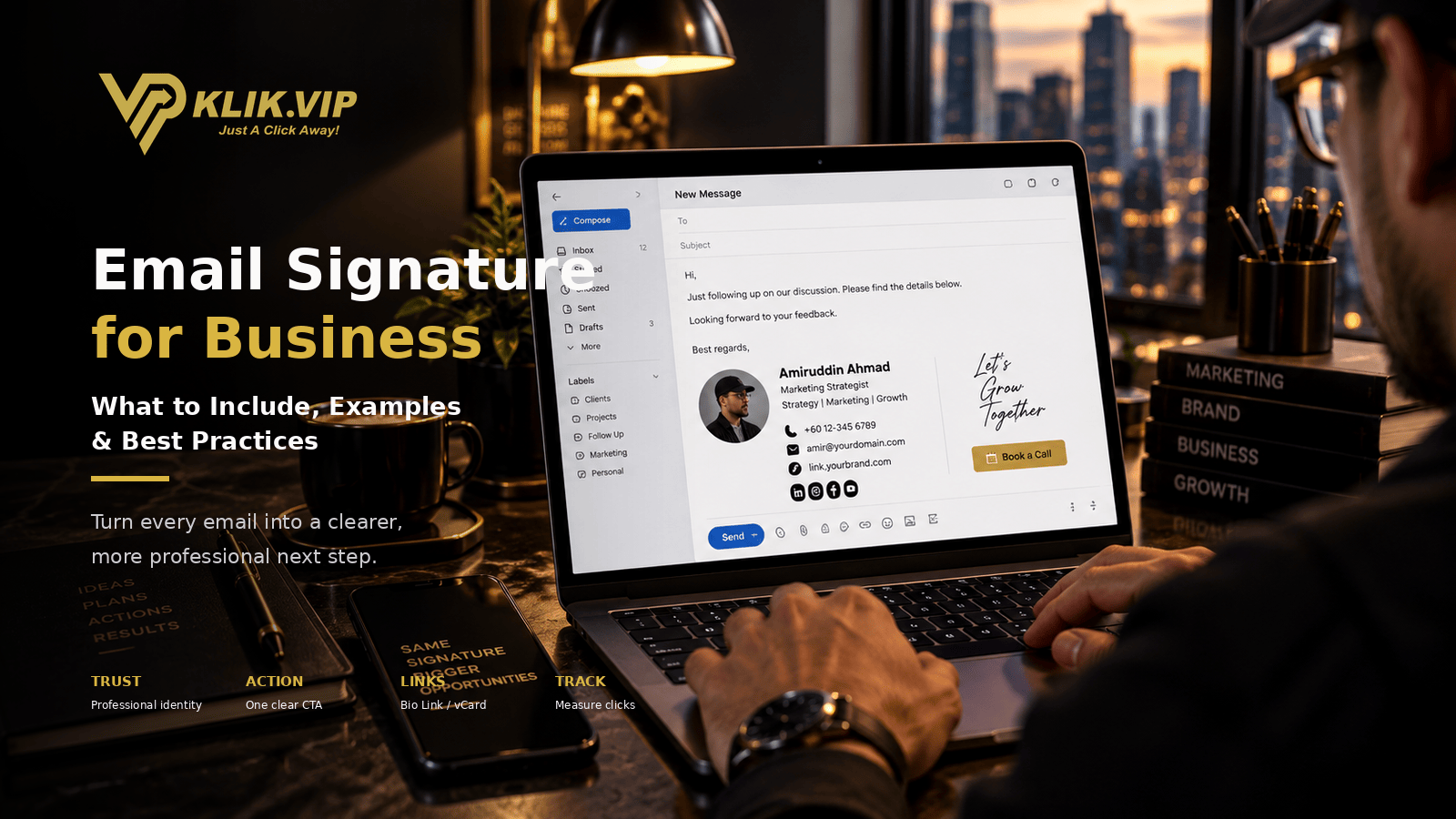
A professional email signature is more than your name at the bottom of a message. It can help a customer identify who you are, understand your role, contact you quickly and take the next useful action without searching through an old thread.
For a business, that makes the signature a small but repeated marketing asset. Every quotation, follow-up, proposal, introduction and support email can carry the same professional identity and the same carefully chosen destination.
The goal is not to turn every email into an advertisement. The goal is to make the next step clear, credible and convenient.
What Is a Business Email Signature?
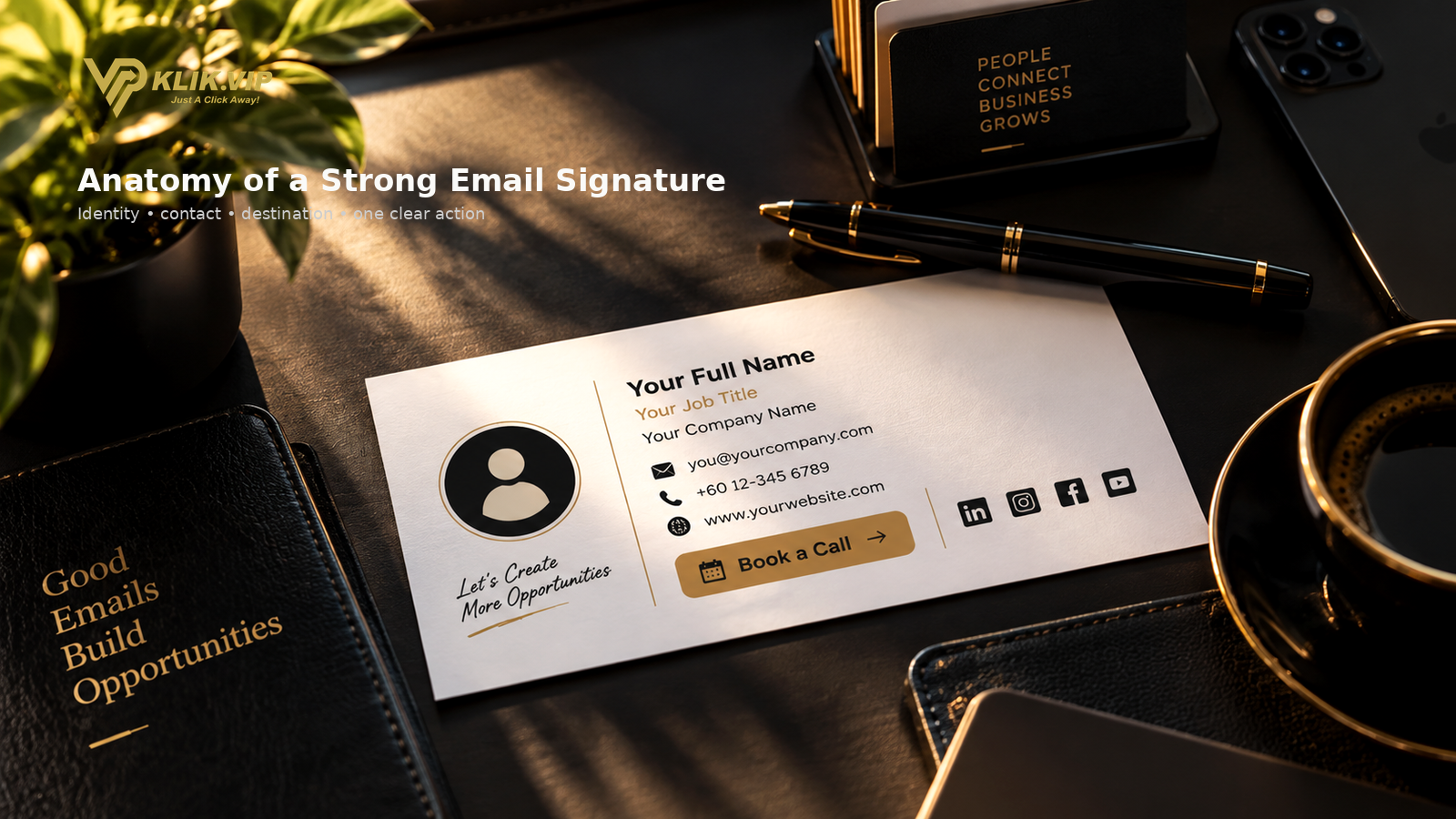
A business email signature is a reusable block of professional information that appears at the end of an email.
It normally identifies the sender and provides useful contact or business links. Depending on the role, it may include:
- Full name
- Job title or department
- Company name
- Email address
- Phone number
- Website
- Business address
- Social profiles
- A professional profile image or brand image
- One relevant call to action
Klik VIP's Email Signature feature supports professional identity details such as full name, job title, department, company, email, website, address and phone number, together with image, colour and supported social-profile fields. Template options are also available on the platform.
Why Email Signatures Matter for Businesses
1. They Make Every Email Look More Professional
A clear signature gives the recipient immediate context. They can see who sent the message, which company the sender represents and how to reply or continue the conversation.
That is especially useful when the recipient is receiving a quotation, proposal, appointment confirmation or follow-up from somebody they have not met before.
2. They Reduce Friction
Without a signature, the reader may need to search an old thread, Google the company or ask for a phone number.
A well-designed signature can place the useful next step directly in front of them.
3. They Create Repeated Brand Exposure
A salesperson may send dozens of emails in a week. A support team may send hundreds.
A consistent email signature helps the business present the same identity across those conversations without manually rewriting contact information every time.
4. They Can Support a Specific Business Action
A signature does not need ten different buttons. In many cases, one useful CTA is stronger.
For example:
- Book a consultation
- Open WhatsApp
- View a catalogue
- Save a digital business card
- Visit a Bio Link
- View a portfolio
- Open an appointment page
What Should You Include in a Business Email Signature?
The best signature is not necessarily the one with the most information. It is the one that gives the recipient enough information to trust the sender and take the intended next step.
| Element | Why It Helps |
|---|---|
| Name | Makes the sender immediately identifiable. |
| Role / Job Title | Explains why the sender is involved in the conversation. |
| Company | Connects the sender to the business or brand. |
| Phone / WhatsApp | Gives the recipient a faster communication option when appropriate. |
| Website / Bio Link | Provides a central destination for more information. |
| One Primary CTA | Makes the intended next action obvious. |
Use One Clear CTA Instead of Too Many
One of the easiest ways to weaken an email signature is to make everything equally important.
If your signature contains a website, six social icons, two phone numbers, three banners, a QR code, a booking button and several promotional messages, the recipient may not know where to look.
Start with the question:
That answer should guide the main CTA in your signature.
Email Signature + Bio Link
A Bio Link can be useful when the recipient may need several different options.
Instead of adding every destination directly into the signature, the signature can include one Bio Link that opens:
- Products or services
- Booking
- Portfolio
- Social profiles
- Reviews
- Forms
- Other business links
This keeps the signature cleaner while still giving the recipient access to more than one destination.
Email Signature + Digital Business Card
A professional email exchange often leads to a longer relationship. That makes a digital business card another useful destination.
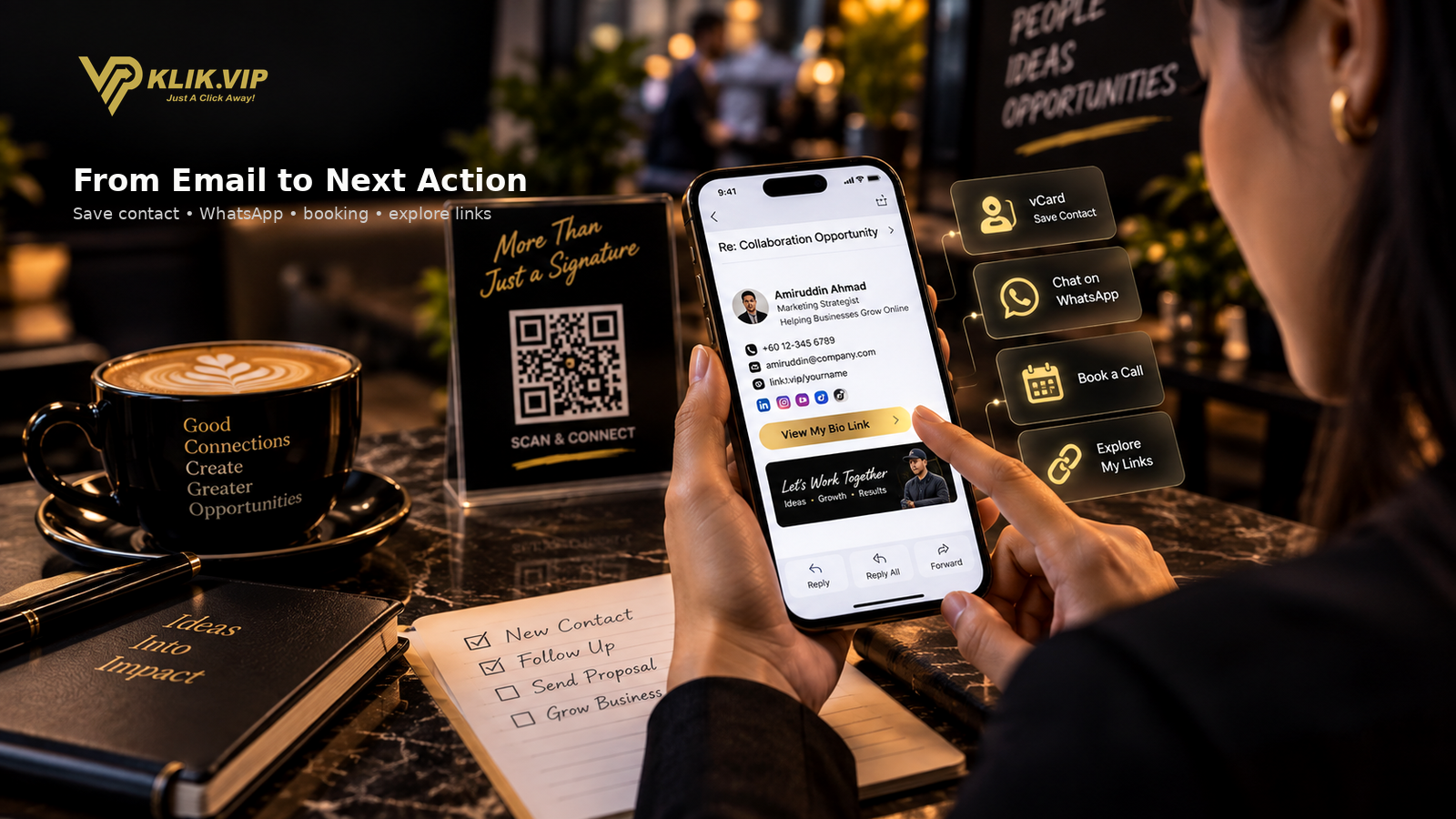
Klik VIP supports a hosted vCard Link that can be shared through email, WhatsApp, social media, presentations and other channels.
Putting a vCard Link inside your signature can make it easier for a recipient to access your professional contact details without manually copying them from the message.
Email Signature + Short URL
If a long destination URL looks messy inside the signature, a Short URL can provide a cleaner path.
For example, instead of placing a long campaign or booking URL directly in the signature, the business can use a shorter managed link and label the button clearly:
Can You Track Clicks From an Email Signature?
You can use managed links when you want to understand whether people are clicking from a signature.
For example, a trackable link could point to a Bio Link, booking page, catalogue or campaign page.
That can help you measure link activity, but it is important to interpret the data correctly. A click is not automatically a lead or sale.
For the full measurement context, read: What Is Link Tracking?
Common Email Signature Mistakes
Too Much Information
A signature should help the reader, not compete with the email itself. Remove anything that does not support trust, contact or the next step.
Too Many CTAs
If every icon and banner is shouting for attention, nothing feels important. Prioritise one main action.
Using an Image-Only Signature
If the entire signature is one image, important information may be harder to select, copy or access in some email clients. Keep essential contact information usable as text where practical.
Outdated Links
A broken booking link or old phone number creates friction at exactly the moment a customer wants to continue.
Making the Signature Too Large
A signature should support the conversation, not take up more space than the message itself.
Adding Every Social Network
Only include profiles that genuinely help the recipient understand or contact the business.
Good Business Use Cases
Send the customer to WhatsApp, a catalogue or a booking page.
Make it easy to view credentials, schedule a call or save contact details.
Link to listings, WhatsApp, viewing appointments or a Bio Link.
Provide contact information and a clear route to appointments or enquiries.
Keep employee identity and company contact details consistent across outgoing email.
Send recipients to a Bio Link, events, booking page or digital business card.
How Klik VIP Fits Into the Workflow
Klik VIP includes Email Signature functionality on eligible plans alongside Bio Links, Short URLs, QR Codes, vCard Links, analytics and other marketing tools.
The Email Signature feature supports multiple templates and professional identity fields, so the business can create a reusable signature and connect it to the wider Klik VIP link ecosystem.
For the exact dashboard workflow, use the User Guide rather than duplicating step-by-step product instructions here.
Follow the current step-by-step dashboard instructions in the Klik VIP User Guide.
Create an Email SignatureFrequently Asked Questions
What should a business email signature include?
At minimum, include the sender's name, role, company and a useful way to contact or learn more about the business. Add only the extra links that support the recipient's next step.
Should an email signature include social media links?
It can, but only include social profiles that are actively maintained and relevant to the business relationship. Too many social icons can make the signature harder to scan.
Can I put a Bio Link in my email signature?
Yes. A Bio Link is useful when you want one clean destination that gives the recipient several options such as WhatsApp, booking, products, social profiles or a website.
Can I track clicks from my email signature?
You can use managed tracking links to measure link activity. Remember that a click shows interest or activity; it does not automatically prove that a lead or sale occurred.
Does Klik VIP have an Email Signature feature?
Yes. Klik VIP includes Email Signature functionality on eligible plans, with professional identity, contact, website, address, image, colour, social-profile and template options.
Make Every Business Email Easier to Act On
Create a professional signature, connect the right business links and give every recipient a clearer next step.
Create Your Klik VIP Account