Last updated: 19 September 2026
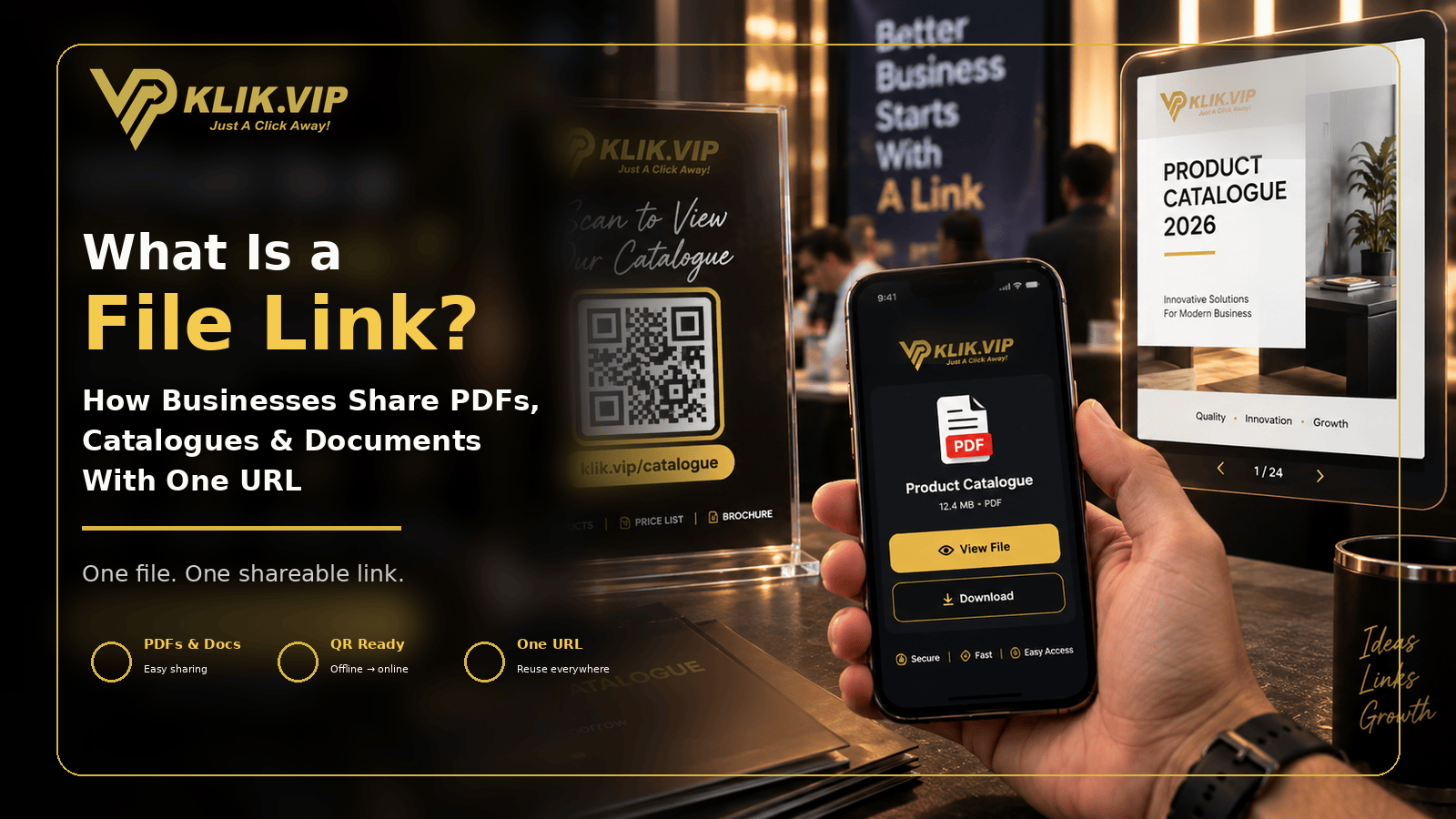
A File Link gives you one URL you can share when customers, prospects, partners or attendees need access to a document.
Instead of sending the same PDF, brochure, catalogue or price list as an attachment again and again, you can share one link through WhatsApp, social media, email, a QR code or printed marketing material.
The idea is simple: one file-related destination, one easy-to-share URL. This article explains when that approach is useful. The exact Klik VIP setup belongs in the User Guide.
What Is a File Link?
A File Link is a shareable URL that points people to a file or file-access destination.
For a business, that can make document sharing easier because the URL becomes the thing you promote. You do not need to rely on long attachment threads or manually resend the same document every time someone asks for it.
The exact file types, limits and access behaviour depend on the current Klik VIP product setup and your account. Use the live User Guide for current technical instructions.
Why Use a File Link Instead of Sending Attachments?
1. One Link Is Easier to Reuse
A URL can be reused across different channels. The same File Link can appear in a WhatsApp message, social post, QR code, presentation slide or printed flyer.
That is useful when the document is part of a recurring customer journey rather than a one-off conversation.
2. It Keeps the Message Cleaner
Instead of sending a long explanation plus a large attachment, you can keep the message focused and give the reader one clear next step.
3. It Works Well With QR Codes
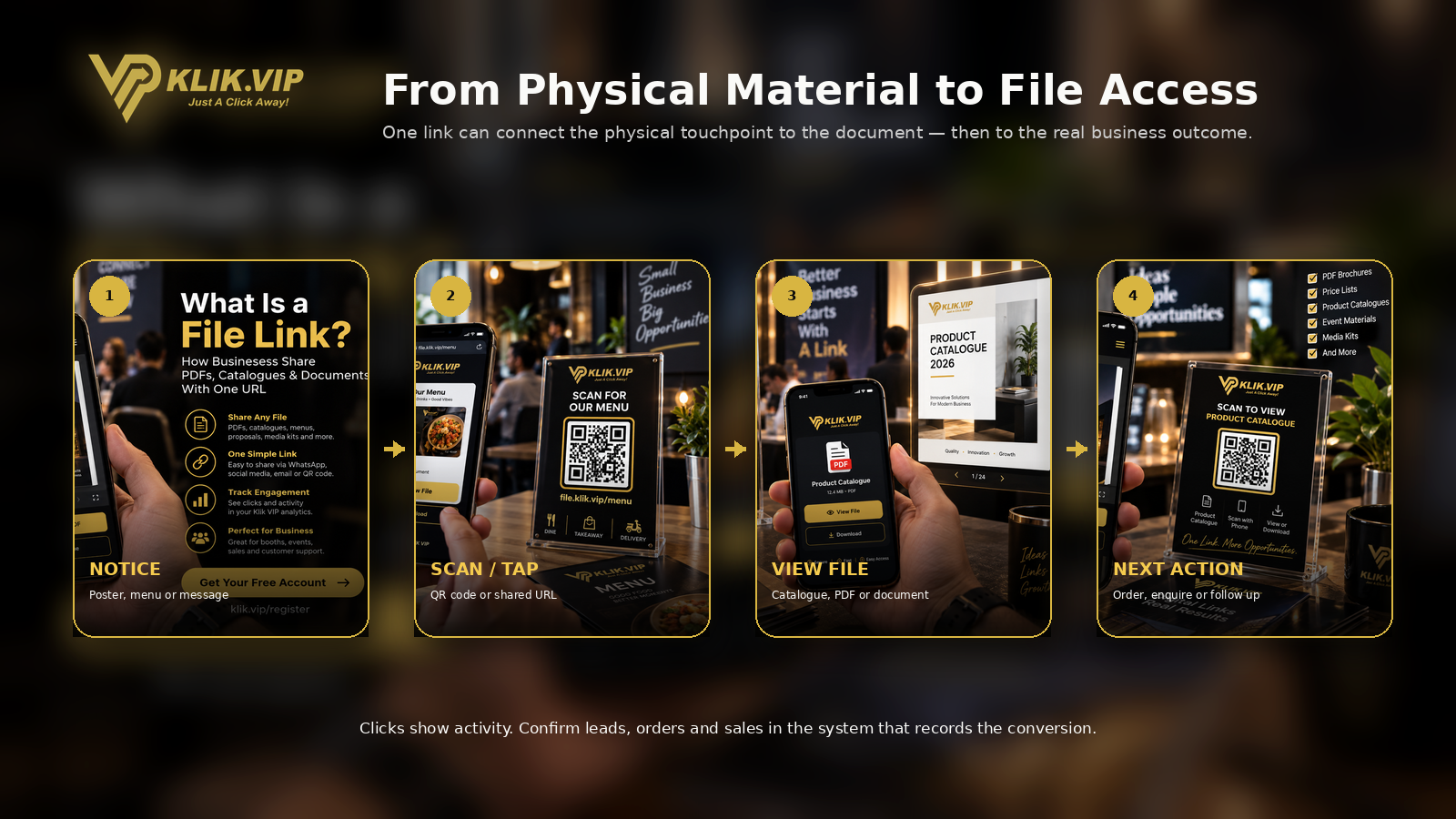
A File Link can be placed behind a QR code so people can move from a physical touchpoint to a document on their phone.
For example, a booth visitor could scan a QR code to open a product catalogue, event handout or brochure.
4. It Can Fit Into a Broader Link Strategy
A File Link can sit alongside your Short URLs, QR Codes, Bio Links and other campaign destinations. The right link type depends on what the visitor needs next.
6 Practical Business Uses for File Links
1. Product Catalogue
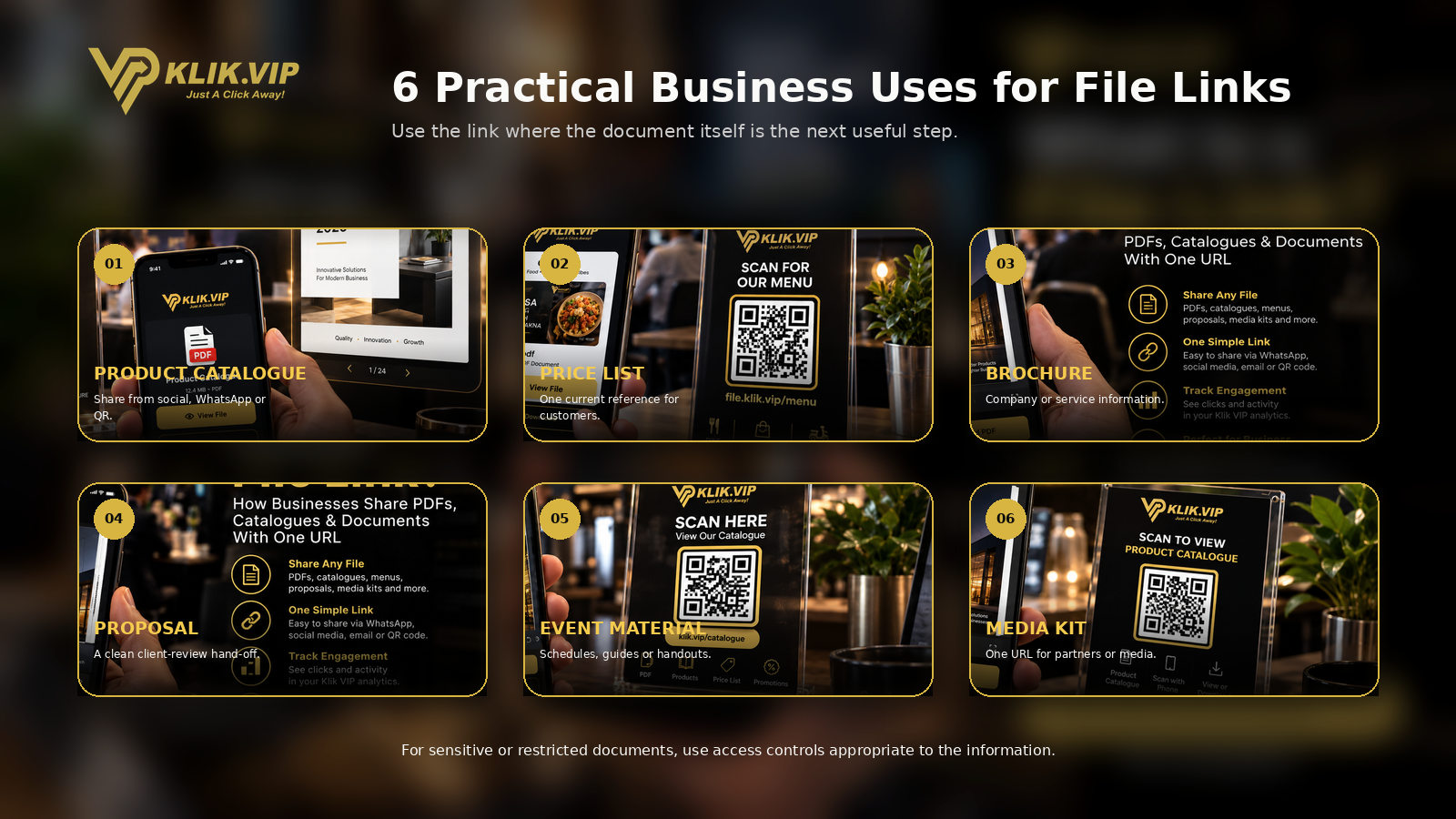
A product catalogue is one of the clearest use cases. Share the File Link from WhatsApp, social media or a QR code so prospects can open the latest catalogue without asking you to resend it individually.
2. Price List
A File Link can give customers one place to access a current price list. This is useful for service businesses, wholesalers, event vendors and other businesses that frequently answer pricing questions.
If your prices change often, make sure the document behind the link remains current. A reusable URL is only helpful when the information it leads to is accurate.
3. Brochure
A company brochure, service brochure or product brochure can be shared through one URL instead of being attached to every conversation.
4. Proposal or Information Document
For a prospect who needs to review a proposal, package or information document, a File Link can make the hand-off cleaner.
For confidential or customer-specific documents, do not assume a public File Link is appropriate. Use access controls that match the sensitivity of the information.
5. Event Material
Schedules, guides, handouts and other event documents can be shared before, during or after an event.
A QR code on a slide, tabletop sign or printed card can give attendees fast access without requiring you to print every document in quantity.
6. Media Kit
A media kit or partner document can be shared through one consistent URL when journalists, creators, partners or affiliates need the same reference material.
File Link vs Short URL
A File Link and a Short URL are related, but they solve different problems.
| File Link | Short URL |
|---|---|
| Centred on document/file access | Centred on creating a shorter route to another destination |
| Useful for catalogues, brochures and other documents | Useful for campaigns, long URLs and cleaner sharing |
| The file itself is the main reason for the link | The destination could be a website, form, product page or many other URLs |
If your main objective is simply to shorten an existing long destination, read What Is a Short URL?.
File Link vs Bio Link
A Bio Link is better when people need several actions from one page.
For example, a Bio Link might contain WhatsApp, products, booking, your website, reviews and social media. A File Link is more focused: the document is the main destination.
Learn more in What Is a Bio Link?.
Can You Use a File Link With a QR Code?
Yes. If you have a shareable file URL, you can encode that URL into a QR code and place the QR code on physical materials.
Common placements include:
- product packaging
- booth signage
- restaurant tables
- event handouts
- presentation slides
- printed brochures
- counter displays
The QR code is simply the access method. The File Link is the destination.
For broader QR strategy, see 15 QR Code Marketing Ideas for Small Businesses.
Should You Track a File Link?
Tracking can help you understand interest, but be careful with what the data proves.
A click on a File Link may show that someone opened the link. Depending on the product configuration and analytics available, you may be able to review link activity. But a click or file view does not automatically prove that the person became a lead, purchased, read the full document or completed the intended action.
Confirm actual business outcomes with the system that records them — such as your order system, CRM, form submissions, booking platform, payment data or WhatsApp conversation.
For the broader measurement concept, read What Is Link Tracking?.
Best Practices for Sharing Business Documents
- Use a clear filename. A document called 2026-product-catalogue.pdf is easier to manage than final-final-v7.pdf.
- Keep the document current. A reusable link is only useful when the information behind it is still accurate.
- Make the CTA specific. “View Product Catalogue” is clearer than “Click Here”.
- Test the file on mobile. Many people will open the link from WhatsApp or by scanning a QR code.
- Be careful with sensitive documents. Do not publish confidential, personal, private or restricted files through a public link unless the access method is appropriate.
- Keep file size practical. Large documents can be frustrating on slower mobile connections.
When a File Link Is Not the Right Choice
A File Link is not always the best answer.
Consider another link type when:
- the visitor needs several unrelated actions — use a Bio Link
- you need a full sales message or conversion page — use a landing page or website
- you only need to shorten an existing URL — use a Short URL
- the document contains confidential or restricted information
- the destination changes so frequently that a proper managed page would be clearer
Follow the current step-by-step File Link instructions in the Klik VIP User Guide.
Create a File LinkRelated Klik VIP Guides
Understand when you simply need a shorter route to another destination. What Is a QR Code?
Connect printed or physical materials to online destinations. 15 QR Code Marketing Ideas
See practical ways to use QR codes across business touchpoints. What Is Link Tracking?
Learn what link activity can and cannot tell you.
Frequently Asked Questions
What is a File Link used for?
A File Link is useful when you want to give people one shareable URL for a document or file-access destination, such as a catalogue, brochure, price list, proposal, event material or media kit.
Can I share a PDF with a File Link?
PDF is a common business-document format, but the exact file formats and limits supported by Klik VIP should be checked in the current File Link User Guide and your account.
Can I put a File Link behind a QR code?
Yes. A shareable File Link URL can be encoded into a QR code so people can scan it from printed or physical material.
Is a File Link the same as a Short URL?
No. A File Link is centred on access to a file or document, while a Short URL is primarily a shorter route to another destination.
Should I use a File Link for confidential documents?
Only when the access method and controls are appropriate for the sensitivity of the information. Do not treat a public link as secure storage for confidential, personal or restricted documents.
Give Customers One Easy Link to Your Business Documents
Create and manage your marketing links with Klik VIP, then use a File Link when a document is the destination your audience actually needs.
Create Your Klik VIP Account