Last updated: 12 September 2026
Your Instagram profile can send visitors to more than one destination. But for a business, simply stacking a few URLs is often not enough. A well-designed link in bio page can turn Instagram visitors into WhatsApp enquiries, bookings, customers, subscribers and leads.
In this guide, you will learn how to create an Instagram link in bio for your business using Klik VIP, how to organise the page, what blocks to add, and how to make the experience feel like part of your brand.
↓
Klik VIP Bio Link
↓
WhatsApp • Booking • Website • Products
YouTube • Forms • Reviews • Socials
↓
One organised customer journey
What Is an Instagram Link in Bio?
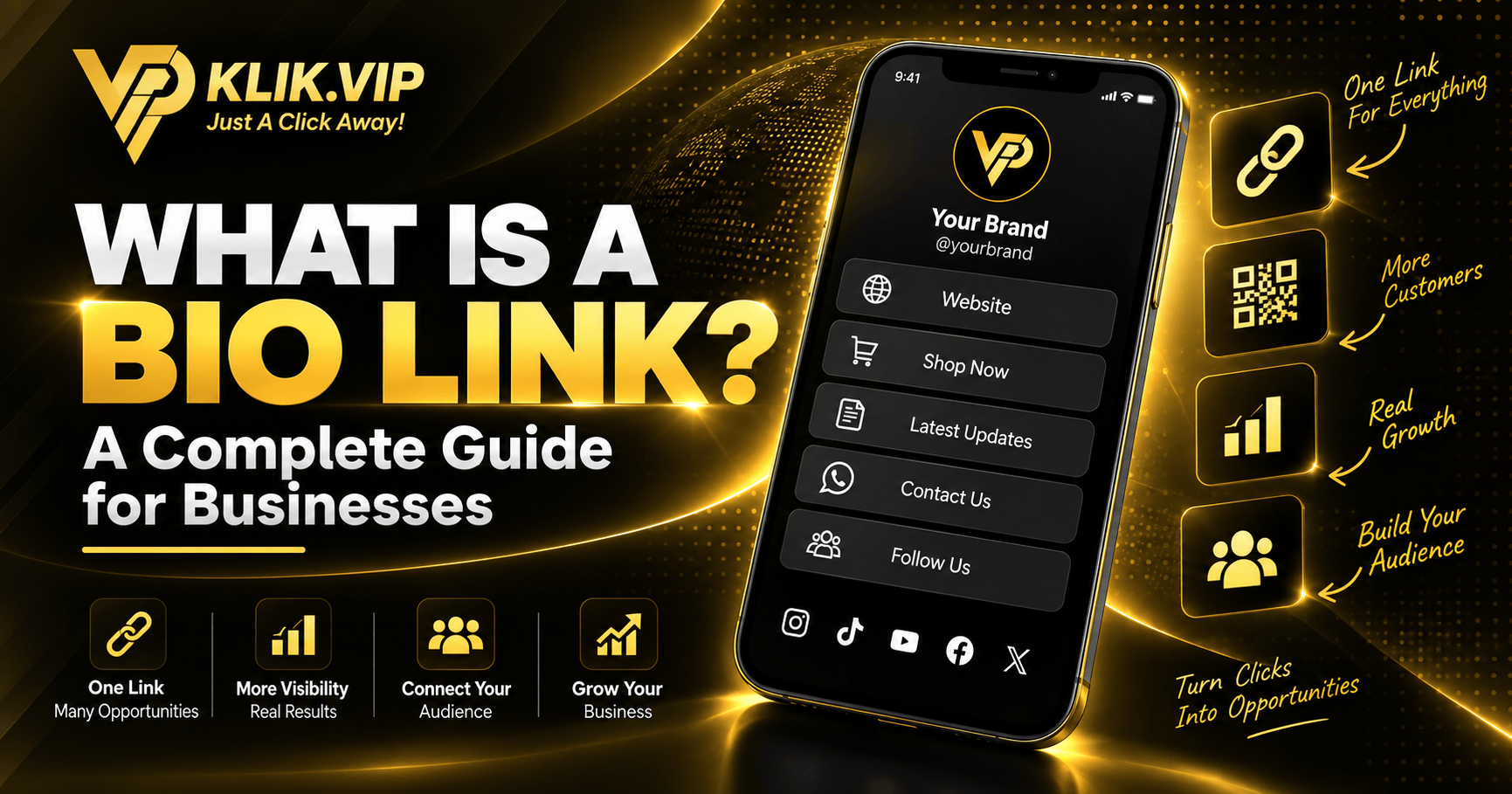
A link in bio is a clickable URL placed on your Instagram profile. It can lead directly to one destination, or it can open a dedicated landing page containing multiple actions.
Instagram currently supports multiple native profile links. For a simple profile, those native links may be enough. A business may prefer a dedicated bio link page when it wants more control over branding, content, calls to action, embeds, forms, tracking and the order in which visitors see each option.

Instagram Native Links vs a Klik VIP Bio Link
You do not need to choose one or the other. Instagram's native links are useful for a small number of direct destinations. A Klik VIP Bio Link becomes more useful when you want to build a branded page around the visitor's next action.
| Capability | Instagram Native Links | Klik VIP Bio Link |
|---|---|---|
| Direct external links | ✅ | ✅ |
| Custom branded page | — | ✅ |
| Themes and custom background | — | ✅ |
| WhatsApp / booking CTA | As a normal link | ✅ Branded blocks |
| Forms, media and embeds | — | ✅ |
| UTM and tracking options | Limited | ✅ |
| Pixels | — | ✅ Supported settings |
How to Create an Instagram Link in Bio With Klik VIP
The basic workflow is simple:
↓
Choose Your URL
↓
Pick a Theme
↓
Customise the Design
↓
Add Blocks
↓
Put the Klik VIP URL on Instagram

Step 1: Create a Bio Link Page
Inside the Klik VIP dashboard, go to Biolink pages and create or open the Bio Link you want to use.
The editor gives you a live mobile preview, so you can see how the page will look before sharing it on Instagram.

Step 2: Choose Your Bio Link URL
The Short URL section lets you choose the URL people will use to open the page.
For example:
Choose something short, easy to remember and consistent with your business or personal brand.
Once the link is published, you can place that URL in your Instagram profile and use the same link on other platforms, printed materials and QR codes.
Step 3: Pick a Preset Theme
Klik VIP includes preset themes so you do not have to design the page from zero.
You can start with a theme that already fits the general look you want, then adjust the details.
Step 4: Customise the Look
The Customizations section gives you control over the page appearance.
From the current editor, you can customise elements such as:
- Background image or video
- Background attachment
- Background blur
- Background brightness
- Favicon
- Font and other visual settings

Step 5: Set Up Branding, Tracking and SEO
The Bio Link settings screen also includes additional controls such as:
- Verified badge
- Branding
- Pixels
- UTM Parameters
- Protection
- SEO
- Branded button
Not every business needs every setting. Use the ones that support your actual campaign objective.
How to Add Your Klik VIP Bio Link to Instagram
Once your page is ready, copy the published Klik VIP URL.
In the Instagram mobile app, the usual flow is:
↓
Edit Profile
↓
Links
↓
Add External Link
↓
Paste Your Klik VIP Bio Link
↓
Save
If your account already uses several native Instagram links, you can place your Klik VIP page as the primary hub and keep selected direct links only when they still serve a clear purpose.
Build the Page Around Actions, Not Just Links
The block library is where a Klik VIP Bio Link becomes more than a simple list of URLs.
Instead of adding everything available, choose blocks based on what you want an Instagram visitor to do next.

Links, headings, images, socials, featured links, videos, files and calls to action.
Email collector, phone collector, contact forms, appointment calendars and Google Forms.
Products, services, PayPal, coupons, vCards and other business-oriented blocks.
YouTube, Instagram media, TikTok, Calendly, Canva, PDFs, Telegram, Spotify and other supported embeds.
A shorter page with a clear customer journey usually works better than a crowded page with every possible option.
What Should a Business Put at the Top?
The biggest mistake is treating every button as equally important.
Your first screen should make the next action obvious.
- Identity: name, logo or avatar and a clear description
- Primary CTA: WhatsApp, Booking, Buy Now or Enquire
- Main offer: product, service, menu, package or promotion
- Trust: reviews, portfolio, testimonials or proof
- Content: YouTube, Instagram, TikTok or latest media
- Secondary actions: contact, location, forms or downloads
The exact order depends on your business. A clinic may prioritise appointments. A restaurant may prioritise menu and WhatsApp. A consultant may prioritise booking. An event organiser may prioritise registration.
Use One Clear Primary CTA
If every button is shouting for attention, none of them feels important.
Decide what you want most Instagram visitors to do.
Different Businesses Need Different Bio Links
A good link in bio page should reflect what the visitor needs from that particular business.

Restaurant or Café
A practical order may be:
Menu → WhatsApp → Reservation → Location → Google Review → Socials
Clinic
A practical order may be:
Book Appointment → WhatsApp → Services → Location → Patient Information → Reviews
Coach, Trainer or Consultant
A practical order may be:
Book a Session → WhatsApp → Programs → Testimonials → YouTube → About
Creator or Public Figure
A practical order may be:
Latest Campaign → YouTube → Instagram Content → Collaboration / Business Enquiry → Other Socials
Travel or Activity Business
A practical order may be:
Book Now → WhatsApp → Packages → Videos → Reviews → Location / Contact
Use Tracking Instead of Guessing
Once people start clicking from Instagram, you should know which campaigns and buttons are getting attention.
Klik VIP's Bio Link settings include Pixels and UTM Parameters, while Klik VIP also provides link statistics elsewhere in the platform.
That means your Instagram bio can become part of a measurable marketing journey rather than simply being a static profile link.
Learn how businesses measure clicks What Are UTM Parameters?
Understand campaign source tracking
Common Instagram Bio Link Mistakes
1. Too Many Equal-Priority Buttons
A long list without hierarchy makes visitors decide what matters. Decide for them by putting your most important action first.
2. Vague Button Labels
Use action-focused labels such as Book an Appointment, WhatsApp Us or View Menu instead of generic labels such as “Click Here”.
3. Beautiful Background, Poor Readability
Your page can look premium and still be difficult to use. Make sure buttons and text remain readable against the background.
4. Sending Everyone to the Homepage
If the visitor came from Instagram because they want to book, enquire or buy, send them closer to that action instead of making them search through your website.
5. Leaving Old Offers Live
Remove expired promotions, outdated forms and old campaign links.
6. Ignoring Mobile Preview
Instagram traffic is heavily mobile. Use the Klik VIP live preview and test the final page on a real phone before publishing it.
Bio Link or Website?
You do not necessarily need to choose.
Your website can remain the main home of your business, while your Bio Link acts as a faster mobile navigation layer for social traffic.
For a detailed comparison:
Bio Link vs Website: Which Does Your Business Need?
Related Klik VIP Guides
Start with the fundamentals Create a WhatsApp Link
Add a direct chat CTA Bio Link for Restaurants
Menu, WhatsApp, reservations and reviews Bio Link for Clinics
Appointments, WhatsApp and information
Final Thoughts
Instagram can already hold several external profile links, but a business may need more than a list of URLs.
A Klik VIP Bio Link lets you organise the customer journey into a branded mobile page with clear calls to action, themes, blocks, embeds, forms, booking tools, payment-related blocks, UTM settings and supported tracking options.
The goal is not to add as many links as possible. The goal is to make the next action obvious.
Follow the step-by-step dashboard instructions in the Klik VIP User Guide.
Create Your First Bio LinkFrequently Asked Questions
Can I put multiple links in my Instagram bio?
Instagram currently supports multiple external profile links. If you only need a few direct destinations, the native feature may be enough. A Bio Link page becomes more useful when you want a branded page, more content types, forms, embeds, tracking or a clearer customer journey.
What should I put in my Instagram Bio Link?
Start with the most important action for your business, such as WhatsApp, booking, enquiry, menu or purchase. Add secondary links only when they help the visitor make a decision or continue the customer journey.
Can I customise my Klik VIP Bio Link?
Yes. The current Klik VIP editor includes preset themes and customisation options for the background and other visual settings, together with additional branding controls.
Can I track my Instagram Bio Link?
Klik VIP provides link statistics and the Bio Link settings include UTM Parameters and Pixels. The exact data available depends on the feature and configuration you use.
Create Your Instagram Bio Link With Klik VIP
Turn your Instagram profile traffic into WhatsApp enquiries, bookings, product visits, content views and other customer actions from one Bio Link.
Create Your Klik VIP AccountEditorial note: Instagram and Klik VIP interfaces may change over time. This guide reflects the workflows and Klik VIP editor shown in September 2026.