Last updated: 11 September 2026
A Google Review QR code gives customers a fast way to open your Google review page by scanning a code with their phone.
Google already provides businesses with a free review link and QR code. That is useful for a basic setup.
But if you want a cleaner short URL, stronger branding, multiple campaign links and click analytics, you can take the official Google review link and build a more complete review campaign with Klik VIP.
↓
Klik VIP Short URL
↓
Branded QR Code
↓
Counter / Receipt / Table / WhatsApp
↓
Link Analytics
Method 1: Get Your Official Google Review Link
Start with Google because Google is the platform where the review is actually submitted.

On a computer browser, open the Google account that manages your Business Profile. Search for your business and open the Business Profile controls.
Select Read reviews, then choose Get more reviews.

Google lets you share the review link directly or download a QR code. For a simple review request, you can stop here.
Google currently says review QR codes are generated from a computer browser, not from the mobile Business Profile experience.
Why Stop at a Basic Google QR Code?
Google gives you the destination. Klik VIP can turn that destination into a more useful marketing asset.

| Capability | Google QR | Klik VIP Campaign |
|---|---|---|
| Opens Google review page | ✅ | ✅ |
| Clean custom short URL | — | ✅ |
| Multiple memorable domains | — | ✅ |
| QR themes / styles / colours / frames | Basic | ✅ |
| Separate campaign links by placement | — | ✅ |
| Managed-link click analytics | — | ✅ |
Method 2: Build a Google Review Campaign With Klik VIP
Step 1: Create a Short Review Link
Copy the official review link from Google and use it as the destination of a Klik VIP shortened link.

For example:
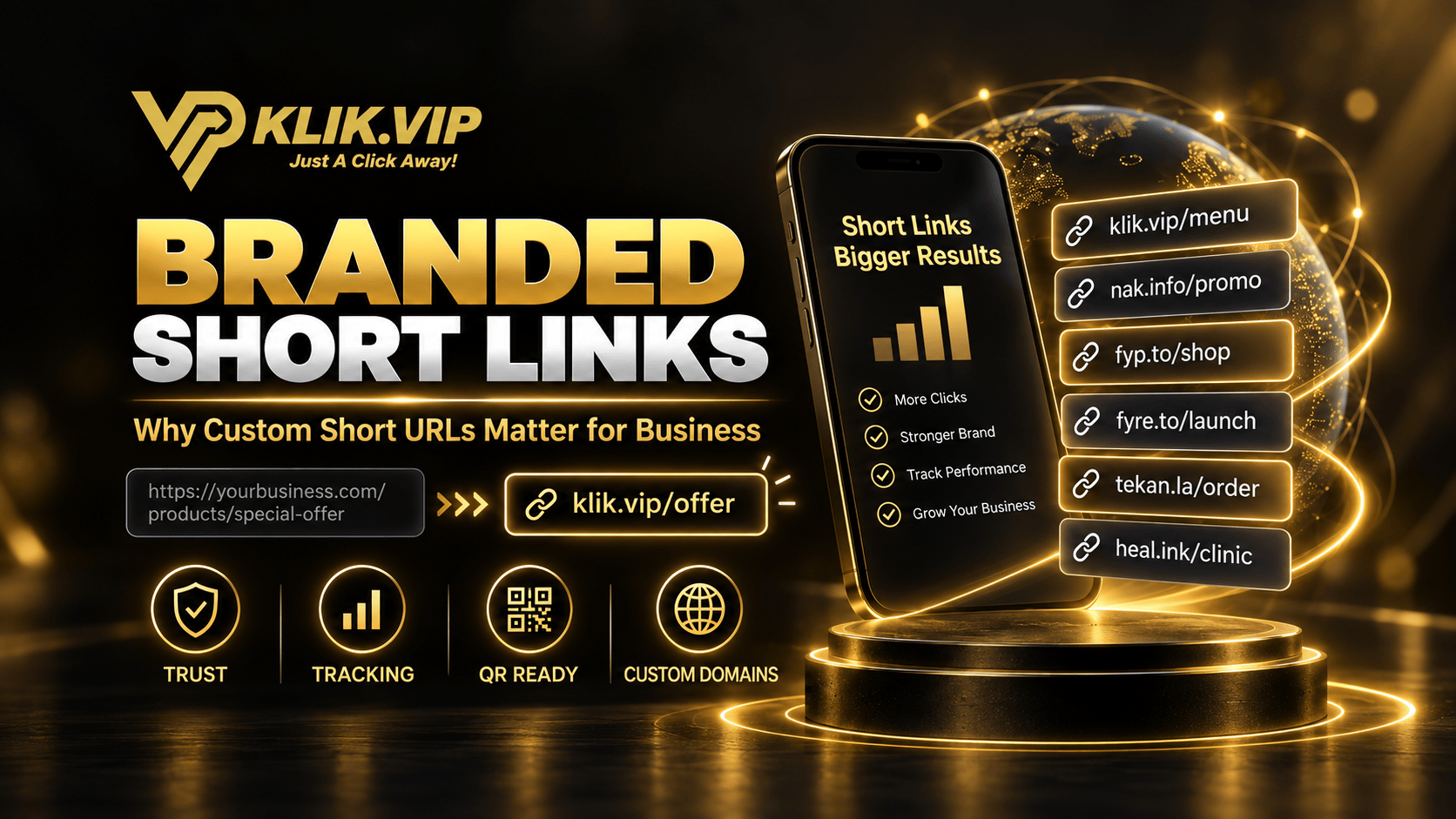
Depending on your Klik VIP plan, you can also use memorable campaign domains:
nak.info/review
fyp.to/review
fyre.to/review
tekan.la/review
heal.ink/review — hidden special free domain
For a clinic, heal.ink/review is particularly memorable. For a restaurant or retail campaign, nak.info/review can work naturally.
Learn more:
Branded Short Links: Why Custom Short URLs Matter for Business
Step 2: Create a Branded QR Code
Open Klik VIP's QR Code creator and choose URL. Use your Klik VIP review short link as the destination.

Klik VIP gives you controls such as:
- Themes
- Style
- Colors
- Frame
- Branding
That matters because a review QR code is often printed on a table stand, counter card, receipt, flyer or packaging. It should look like part of the business rather than a random black-and-white square.
Step 3: Use Different Links for Different Placements
This is one of the strongest reasons to use Klik VIP.
Instead of using the same link everywhere, create separate campaign links:
Receipt → klik.vip/review-receipt
Restaurant Table → klik.vip/review-table
WhatsApp → klik.vip/review-wa
Thank-You Card → klik.vip/review-card
Every link can still redirect to the same official Google review page.
Step 4: Compare Link Activity

This can help answer practical marketing questions:
- Do more people scan the table QR or the cashier QR?
- Does the receipt link get used?
- Does the WhatsApp follow-up generate more review-page visits?
- Which branch or campaign placement is actually getting attention?
Klik VIP can measure activity on the managed link. It cannot tell you whether the visitor actually submitted a Google review. The final review is submitted inside Google's system.
Learn more:
What Is Link Tracking? How Businesses Track Clicks and Campaign Performance
Where Should You Put a Google Review QR Code?
Ask for genuine feedback after the transaction.
Give customers a review option they can use later.
Make the review page easy to access after dining.
Provide an optional review route after the visit.
Combine appreciation with an optional feedback request.
Share the review link after a genuine customer interaction.
Use a Better Call to Action
Do not put a QR code in front of customers with only:
Tell them exactly what happens after scanning:
- Scan to Leave a Google Review
- Share Your Experience on Google
- Review Us on Google
- Tell Us About Your Experience
Do Not Offer Incentives for Google Reviews
Google requires reviews to reflect genuine customer experiences and prohibits incentives in exchange for reviews.
- Discounts for leaving a review
- Free products or services in exchange for a review
- Cash or rewards for a review
- Benefits for changing an existing review
- Rewards for removing a negative review
Ask customers for honest feedback, not only positive feedback.
Google Review QR Code Ideas by Business Type
Restaurants
Scan to Share Your Experience on Google
Use separate links for the cashier, table stand and receipt if you want to compare which placement receives more clicks.
Clinics
If you would like to share your experience, you can review us on Google.
A clinic could use heal.ink/review as a memorable short-link option before converting it into a QR code.
Retail and Service Businesses
Display the QR code at checkout, on thank-you cards or in appropriate post-purchase communication.
Why Klik VIP Is More Than a QR Generator
The strongest reason to use Klik VIP is not simply that it can generate a QR code.
It lets several parts of the campaign work together:
↓
Memorable Klik VIP Short URL
↓
Branded QR Code
↓
Different Links for Different Placements
↓
Link Analytics
↓
Better Review Campaign Decisions
You can combine:
- Short URLs
- Custom back-halves
- Multiple memorable domains
- Custom QR designs
- Campaign-specific links
- Link analytics
- Custom domains on eligible plans
That is the difference between simply generating a QR code and building a managed review campaign.
New to QR Codes?
Read:
What Is a QR Code? How Businesses Use QR Codes for Marketing
For more practical campaign ideas:
15 QR Code Marketing Ideas for Small Businesses
Final Thoughts
Google already gives businesses a free review link and QR code, and that is enough for a basic setup.
Klik VIP becomes valuable when you want to make the campaign easier to brand, share and measure.
Use the official Google review link as your destination, then add a Klik VIP short link, branded QR code and campaign-specific tracking links around it.
The goal is not to manipulate reviews. The goal is to make it easier for genuine customers to find the official Google review page and share honest feedback.
Follow the step-by-step dashboard instructions in the Klik VIP User Guide.
Open Step-by-Step User GuideTurn Your Google Review Link Into a Proper Campaign
Create a memorable short URL, branded QR code and trackable review campaign with Klik VIP.
Create Your Klik VIP AccountFrequently Asked Questions
Does Google provide a free review QR code?
Yes. Google currently lets eligible Business Profile managers share a review link or QR code from the Get more reviews workflow.
Why use Klik VIP if Google already provides a QR code?
Google's QR code is useful for a basic direct review request. Klik VIP adds a memorable short URL, QR customisation, campaign-specific links and managed-link analytics.
Can I use a Klik VIP short link for my Google review page?
Yes. Use the official Google review link as the final destination of your Klik VIP shortened URL.
Yes. You can create separate managed short links for a counter, receipt, table, WhatsApp campaign or branch while directing them to the appropriate official Google review destination.
Can Klik VIP tell me who submitted a Google review?
No. Klik VIP can measure managed-link activity. The actual review submission happens inside Google's system.
Depending on availability and plan, Klik VIP provides klik.vip, premium domains nak.info, fyp.to, fyre.to and tekan.la, plus the hidden special free domain heal.ink.
Sources & Policy Information
Google review-request and policy information in this guide was reviewed using official Google Business Profile guidance in September 2026.
Editorial note: The Google walkthrough images in this article are recreated instructional visuals based on Google's current official workflow; they are not screenshots from a private Business Profile account. Google interfaces, policies and Klik VIP functionality may change over time.