Last updated: 10 September 2026
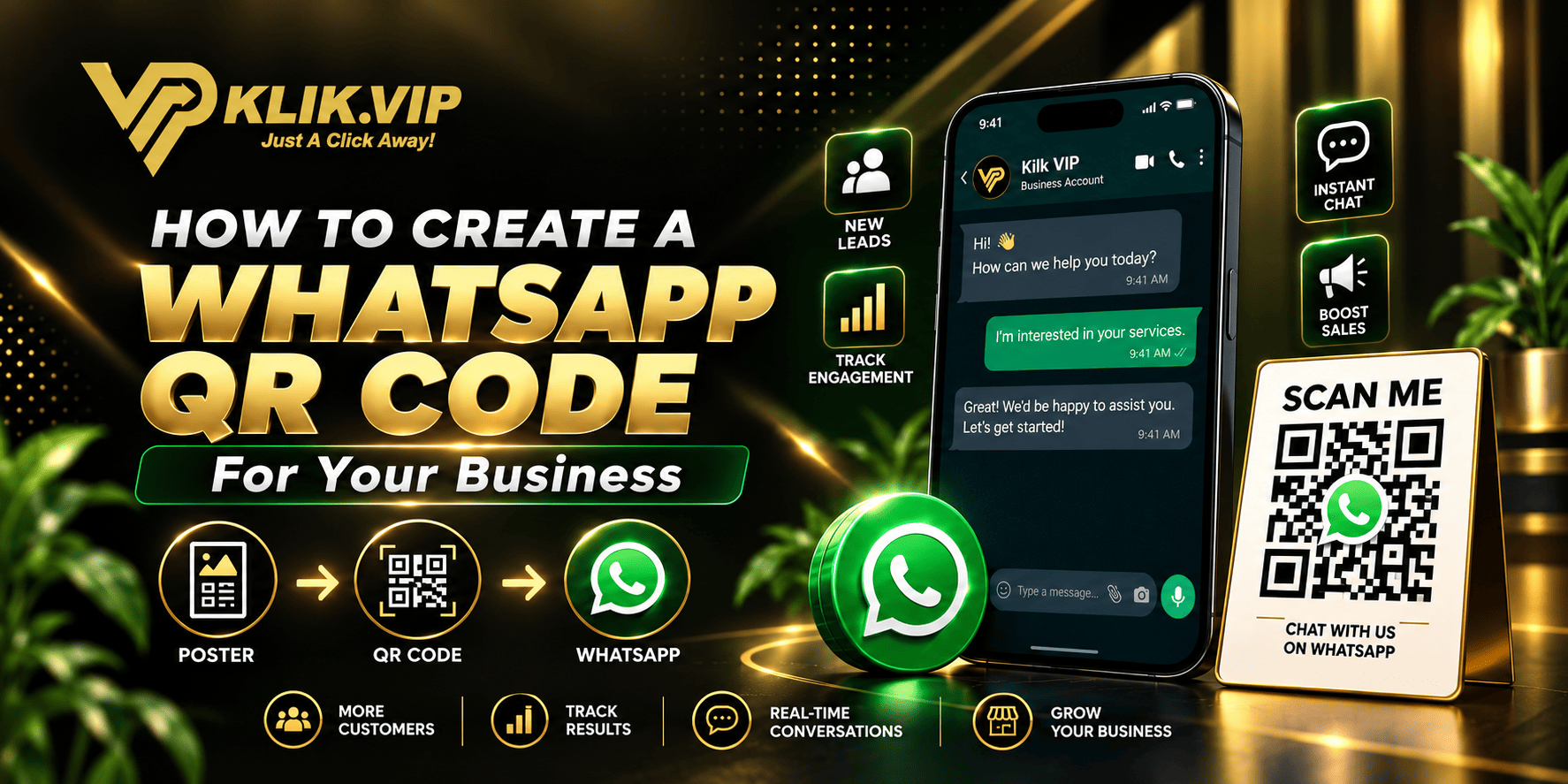
A WhatsApp QR code lets customers scan a code with their smartphone and immediately open a WhatsApp conversation with your business.
With Klik VIP, you do not need to manually build a WhatsApp URL before creating a basic WhatsApp QR code.
Klik VIP includes a dedicated WhatsApp QR Code option where you can enter your phone number, prepare a pre-filled message and customise the appearance of the QR code from one screen.
The Fastest Way to Create a WhatsApp QR Code
↓
QR Codes
↓
Select WhatsApp
↓
Enter Phone Number
↓
Add Pre-Filled Message
↓
Customise & Create
Why Use a WhatsApp QR Code for Business?
Without a QR code, a customer may need to copy your number, save it, open WhatsApp, find your contact and then start a conversation.
A WhatsApp QR code reduces that journey.
↓
Scans QR Code
↓
WhatsApp Opens
↓
Conversation Starts
This makes WhatsApp QR codes useful for restaurants, retail stores, events, exhibitions, service businesses, clinics, sales teams and many other businesses.
Method 1: Create a WhatsApp QR Code Directly With Klik VIP
For the simplest setup, use Klik VIP's dedicated WhatsApp QR-code type.
Step 1: Open QR Codes
Log in to your Klik VIP dashboard and select QR Codes.
Step 2: Select WhatsApp
Klik VIP supports different QR-code types. Select the WhatsApp option.
For a standard WhatsApp QR campaign, you do not need to manually create the full wa.me URL first. Klik VIP provides dedicated fields for the WhatsApp information.
Step 3: Enter Your Phone Number
Enter the WhatsApp phone number that customers should contact.
For Malaysian numbers, make sure the number is entered correctly using the required format shown by the platform.
Step 4: Add a Pre-Filled Message
Klik VIP also provides a Prefilled message field.
For example:
When customers scan the QR code, they already have context for starting the conversation.
Use Different Messages for Different Campaigns
Pre-filled messages can do more than save typing.
They can help your team understand where the customer came from.
- Hi, I scanned the QR code at your booth.
- Hi, I am interested in today's restaurant promotion.
- Hi, I would like to make an appointment.
- Hi, I saw your flyer and would like to know more.
- Hi, I scanned the QR code at your counter.
Your sales or support team now receives useful context before replying.
Customise Your WhatsApp QR Code
This is where Klik VIP becomes much more useful than simply generating a plain QR code.
The QR Code creator provides design controls including:
Start with a visual theme for your QR code.
Adjust how the QR-code pattern is presented.
Match the QR code with your brand or campaign.
Add a frame around the QR code for stronger presentation.
Make the QR code feel like part of your business instead of a generic graphic.
Make your QR code recognisable and attractive without sacrificing scan reliability.
Add a Clear Call to Action
A beautiful QR code still needs a reason to be scanned.
Avoid displaying only:
Instead, explain the benefit:
- Scan to WhatsApp Us
- Scan to Order
- Scan to Ask About This Promotion
- Scan to Book an Appointment
- Scan to Check Availability
- Scan for Today's Menu
- Scan to Get a Quotation
Where Can Businesses Use WhatsApp QR Codes?
Let customers order, ask questions or make reservations.
Give customers an easy way to contact you later.
Turn booth visitors into WhatsApp enquiries.
Turn offline attention into a direct conversation.
Give printed promotions an immediate next step.
Make it easier for people to contact you after meeting.
Provide direct access to enquiries or customer support.
Give attendees direct access to your team.
Always Test Your QR Code Before Printing
Before printing posters, flyers, table stands or packaging, test the QR code thoroughly.
Check it using:
- iPhone
- Android devices
- Different scanning distances
- Different lighting conditions
- The actual printed size
Make sure:
- The code scans quickly
- The correct WhatsApp number opens
- The pre-filled message is correct
- The design remains readable after printing
Need a Normal WhatsApp Link Instead?
Sometimes you need a clickable WhatsApp URL rather than a QR code.
For example, you may want to share the link through Instagram, email, WhatsApp broadcasts or your website.
Read:
How to Create a WhatsApp Link for Your Business
What Else Can You Create With QR Codes?
WhatsApp is only one possible QR-code use case.
Businesses can also use QR codes for websites, contact information, locations and other digital information.
For a broader guide, read:
What Is a QR Code? How Businesses Use QR Codes for Marketing
Method 2: Build a Trackable WhatsApp QR Campaign
The direct WhatsApp QR-code method is ideal when your priority is simplicity.
But sometimes businesses also want to compare campaign performance.
For that use case, you can build a more advanced flow:
↓
Klik VIP Trackable Short URL
↓
URL QR Code
↓
Customer Scans
↓
In this setup, the QR code points to a managed Klik VIP short URL, which then redirects the customer to WhatsApp.
This approach is useful when campaign measurement matters.
Direct WhatsApp QR vs Trackable WhatsApp QR
Direct WhatsApp QR
Best for: Fast and simple setup.
- Select WhatsApp
- Enter phone number
- Add pre-filled message
- Customise
- Create QR code
Trackable WhatsApp QR
Best for: Marketing campaigns where you want to compare link activity.
- Create WhatsApp destination
- Create tracked short URL
- Create URL QR code
- Use different links by campaign
- Review link analytics
Why Use a Short URL for Advanced Campaigns?
A short URL creates an additional managed layer between the QR code and WhatsApp.
This means you can create campaign-specific URLs such as:
Flyer QR → klik.vip/flyer-chat
Booth QR → klik.vip/booth-chat
Poster QR → klik.vip/poster-chat
Learn how short URLs work:
What Is a Short URL? How Short Links Work for Businesses
Track Different Offline Marketing Locations
Imagine the same promotion appears at:
- Your shop counter
- Five restaurant tables
- An exhibition booth
- A flyer
- An outdoor poster
Instead of using one tracked campaign link everywhere, create separate links.
Counter → Campaign A
Table → Campaign B
Booth → Campaign C
Flyer → Campaign D
Poster → Campaign E
Now you can compare which placement generates more link activity.
A recorded click or redirect does not automatically mean the customer sent a WhatsApp message or completed a purchase.
Learn more:
What Is Link Tracking? How Businesses Track Clicks and Campaign Performance
WhatsApp QR Code or Bio Link?
The best destination depends on your goal.
Direct to WhatsApp
Use this when the main objective is to start a conversation immediately.
QR Code to Bio Link
Use this when customers may need multiple actions such as WhatsApp, menu, website, location or promotion.
Learn about bio links:
What Is a Bio Link? A Complete Guide for Businesses
Example: Restaurant Table WhatsApp QR Code
A restaurant could create a WhatsApp QR code with the pre-filled message:
The table stand could say:
Scan to WhatsApp Us
The customer does not have to search for a waiter or manually save the restaurant's number.
Example: Exhibition Booth Lead Generation
At an exhibition booth, use a pre-filled message such as:
The booth sign can say:
Scan to WhatsApp Our Team
Common WhatsApp QR Code Mistakes
1. Building the Process Manually When You Do Not Need To
If you simply want a WhatsApp QR code, Klik VIP already provides a dedicated WhatsApp QR-code option.
2. Using the Wrong Phone Number
Always scan the final QR code and confirm the correct WhatsApp account opens.
3. No Pre-Filled Message
A useful pre-filled message can give your team immediate context.
4. No Reason to Scan
Tell customers what they will get after scanning.
5. Making the Design Too Complicated
Brand the QR code, but maintain strong scan reliability.
6. Not Testing Before Printing
Test everything before committing the QR code to large quantities of printed material.
Why Use Klik VIP for WhatsApp QR Codes?
Klik VIP provides more than a generic QR-code image generator.
For WhatsApp campaigns, you can combine:
- Dedicated WhatsApp QR-code creation
- Phone-number input
- Pre-filled WhatsApp messages
- Themes
- QR styles
- Custom colours
- Frames
- Branding controls
- Short URLs for advanced campaign flows
- Link analytics for managed URLs
- Bio links
↓
Customise
↓
Publish
↓
Turn Offline Attention Into WhatsApp Conversations
How Does Klik VIP Compare With Linktree?
Klik VIP and Linktree both provide tools for connecting audiences to digital destinations, but their broader strengths differ.
Klik VIP places particular emphasis on QR-code creation, short URLs, tracking and practical business marketing tools, while Linktree has a strong creator-focused ecosystem.
Read our full comparison:
Klik VIP vs Linktree: Which Is Better in 2026?
Final Thoughts
Creating a WhatsApp QR code with Klik VIP is simpler than manually building a WhatsApp URL and then converting it into a QR code.
For most businesses, simply select the WhatsApp QR type, enter the phone number, prepare the message and customise the design.
When deeper campaign measurement is required, you can build a more advanced flow using Klik VIP short URLs and URL QR codes.
This gives businesses a choice: keep it simple when simplicity is enough, or build a trackable campaign when measurement matters.
Create Your WhatsApp QR Code With Klik VIP
Add your WhatsApp number, prepare a message and customise your QR code from one platform.
Create Your Klik VIP AccountCreate branded WhatsApp QR codes for your next campaign.
Follow the step-by-step dashboard instructions in the Klik VIP User Guide.
Open Step-by-Step User GuideFrequently Asked Questions
Can Klik VIP create a WhatsApp QR code directly?
Yes. Klik VIP has a dedicated WhatsApp QR-code option where you can enter the WhatsApp phone number and a pre-filled message.
Do I need to manually create a wa.me link first?
Not for the standard Klik VIP WhatsApp QR-code workflow. You can select WhatsApp directly in the QR Code creator and enter the required information.
Can I add a pre-filled WhatsApp message?
Yes. Klik VIP provides a pre-filled message field when creating a WhatsApp QR code.
Can I customise the appearance of my WhatsApp QR code?
Yes. Klik VIP provides design options including themes, style, colours, frames and branding controls.
Source & Product Information
WhatsApp click-to-chat information referenced in this guide follows the official WhatsApp Help Center . Klik VIP QR-code functionality described in this article reflects the current Klik VIP QR Code creator.
Editorial note: This guide was reviewed on 10 September 2026. WhatsApp features and Klik VIP QR-code functionality may change over time.