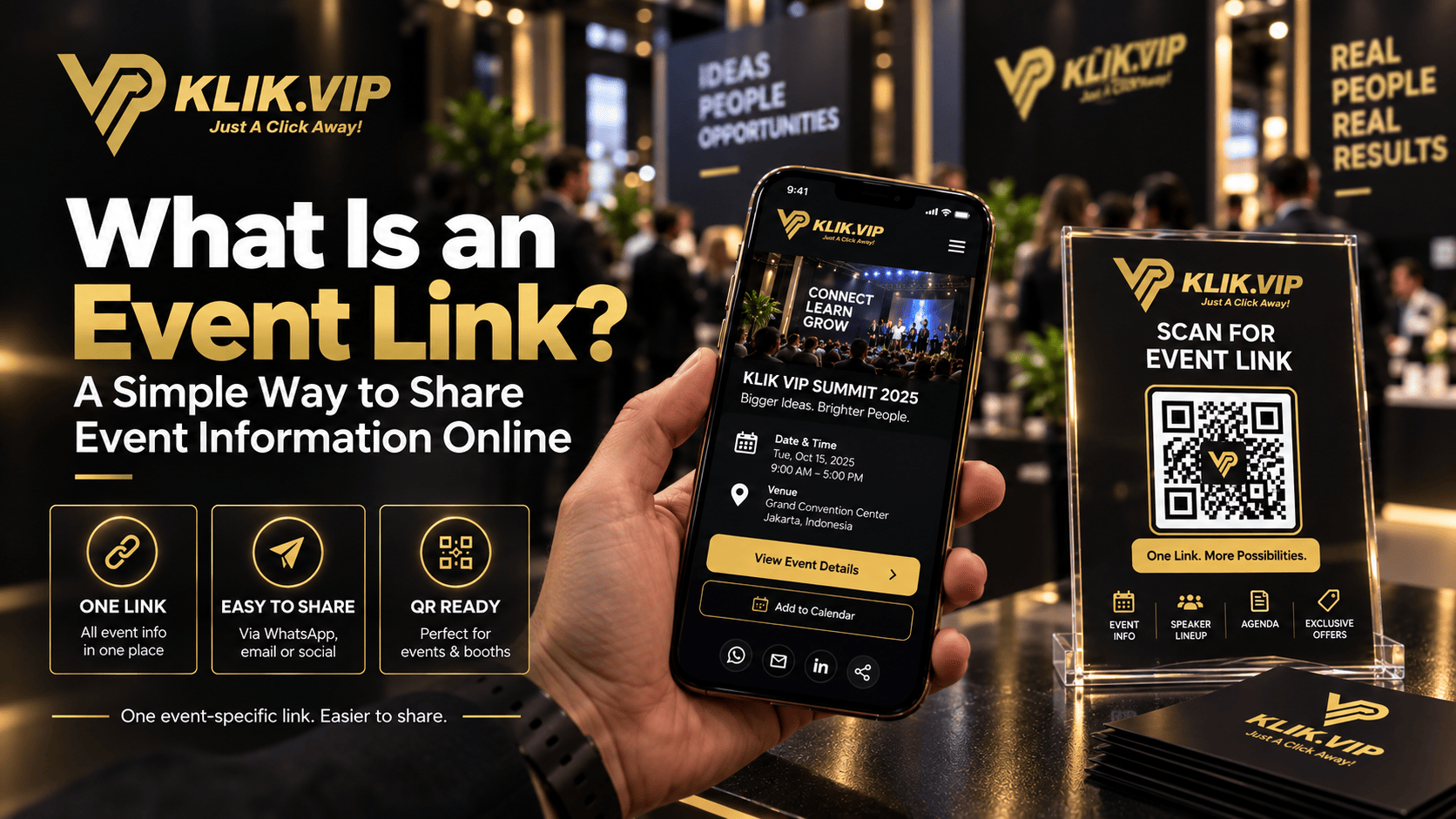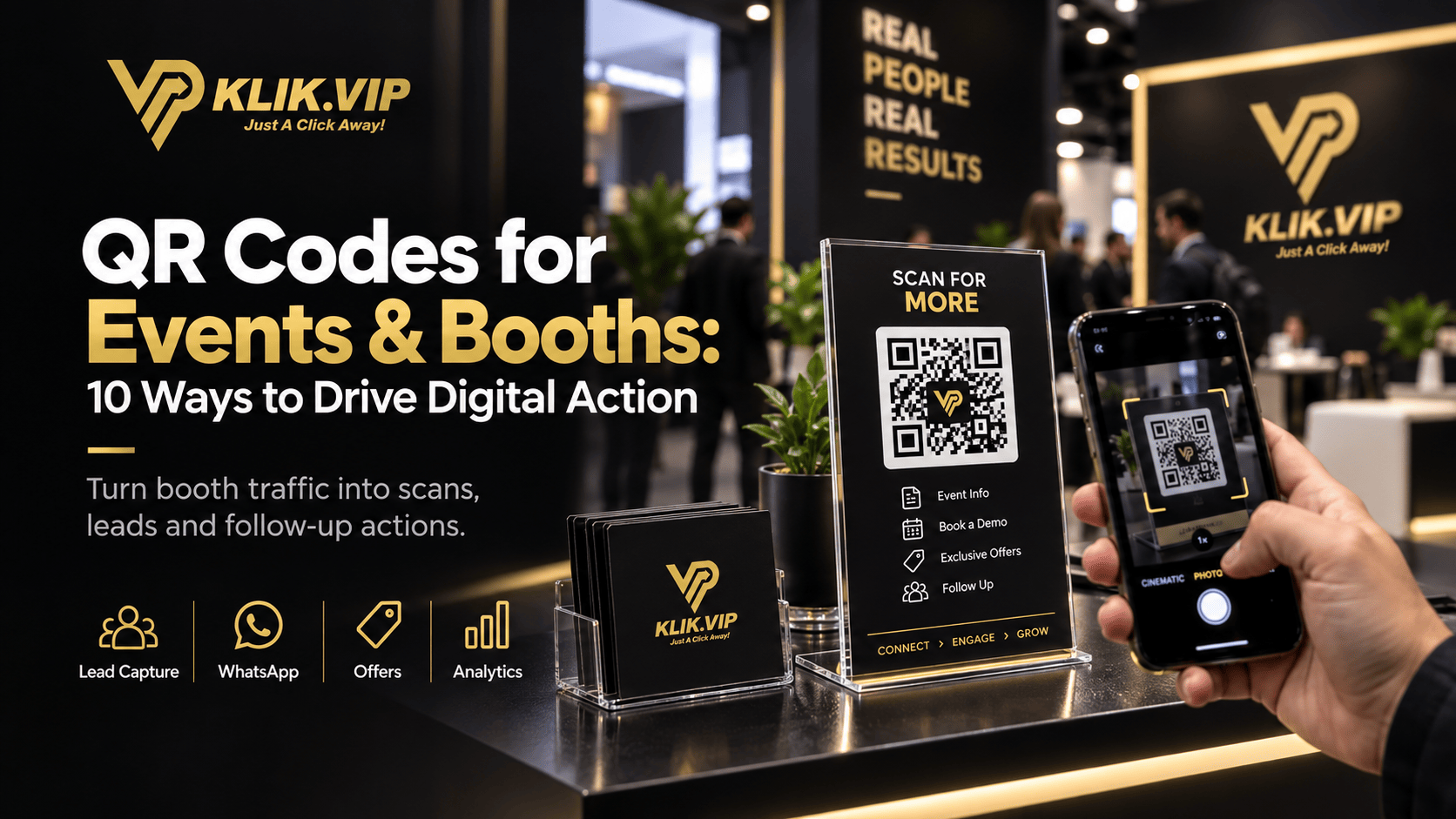
Events and exhibitions create attention fast, but attention disappears just as fast if visitors do not know what to do next. A QR code helps you bridge that gap. Instead of relying on a flyer, a business card or a “please contact us later” conversation, you can guide people to the next action immediately.
With Klik VIP, you can create branded QR codes that send booth visitors to a Bio Link, a WhatsApp chat, a special offer, a lead form, a booking page or any other destination that supports your event goal. That makes QR codes practical not just for awareness, but for measurable action.
Why QR Codes Work So Well at Events
At an event booth, time is limited. People walk by quickly, compare many brands and often forget details after they leave the hall. A QR code gives them an instant next step while their interest is still high.
Instead of asking visitors to manually type a URL, search for your business later or keep a printed brochure, they can simply scan and continue the journey on their phone. That creates less friction and makes your booth more efficient.
10 Ways to Use QR Codes at Events and Booths
- Lead capture: Send visitors to a short lead form so you can collect names, emails or phone numbers.
- WhatsApp follow-up: Let people scan and message your team immediately while they still remember your offer.
- Product catalogue: Open a Bio Link with product categories, pricing, demos and FAQs.
- Special event offer: Use a dedicated landing page or short URL for exhibition-only promotions.
- Appointment booking: Allow visitors to book a consultation, demo or showroom visit on the spot.
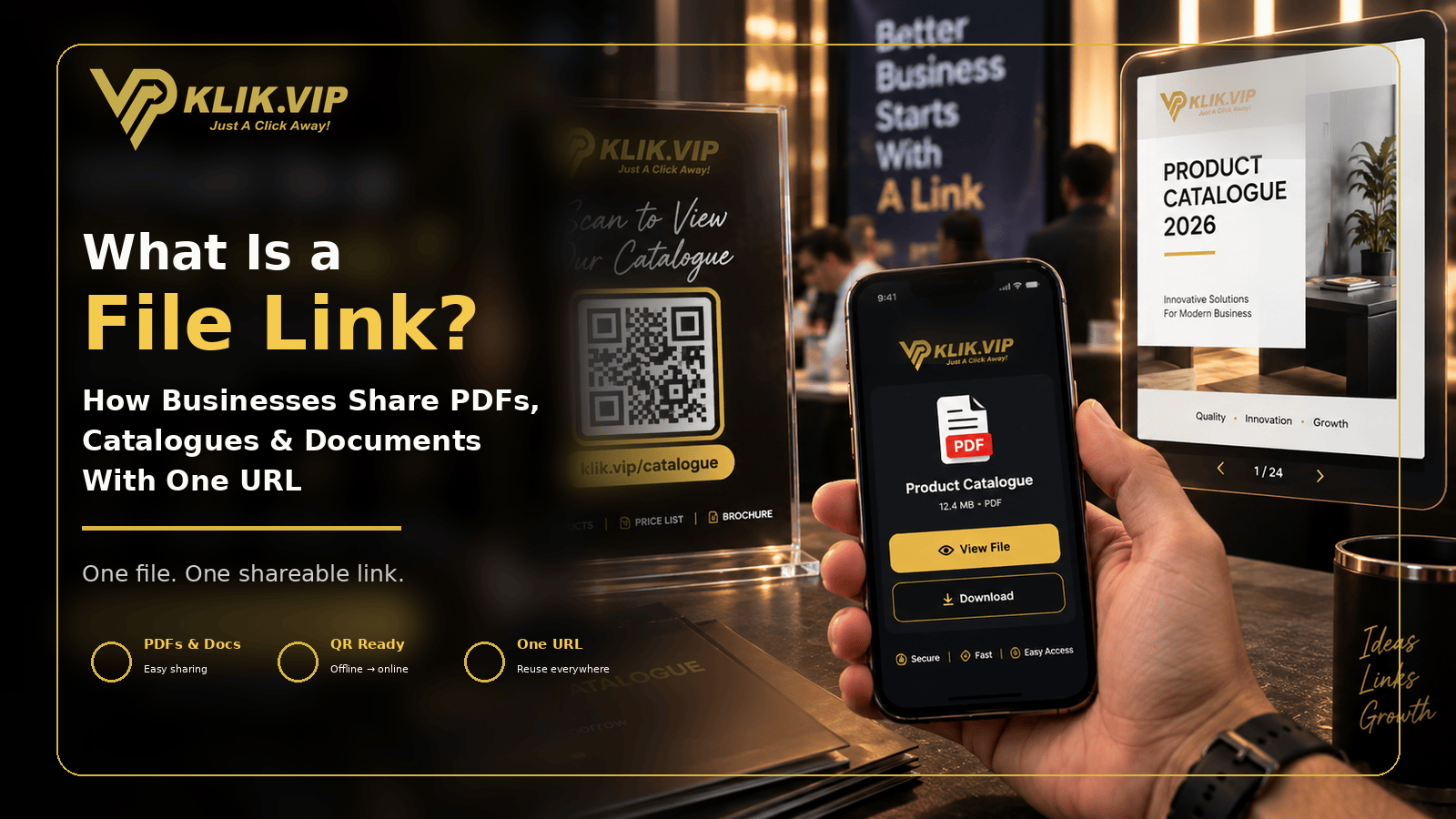
- Downloadables: Share brochures, rate cards, menus, case studies or spec sheets without printing everything.
- Social proof: Link to testimonials, before-and-after examples or customer success stories.
- Speaker or presenter resources: Give access to slides, bonus links or post-talk resources.
- Post-event reconnection: Add QR codes to takeaway cards or packaging so visitors can reconnect later.
- Track performance by placement: Use different QR codes or UTM-tagged links to compare which placement generates the best results.
The Best Destinations to Open After a Scan
A QR code is only effective if it opens the right destination. In most cases, a booth visitor should not land on a random homepage. The destination should match the visitor’s intent.
- Bio Link: Best when you want to offer multiple choices such as WhatsApp, product pages, offers, videos and booking links.
- WhatsApp link: Best when your goal is fast enquiry and direct conversation.
- Landing page: Best for a focused campaign, launch or registration page.
- Lead form: Best when your main goal is lead collection.
- Short URL: Best when you want a cleaner, easier-to-track campaign link.
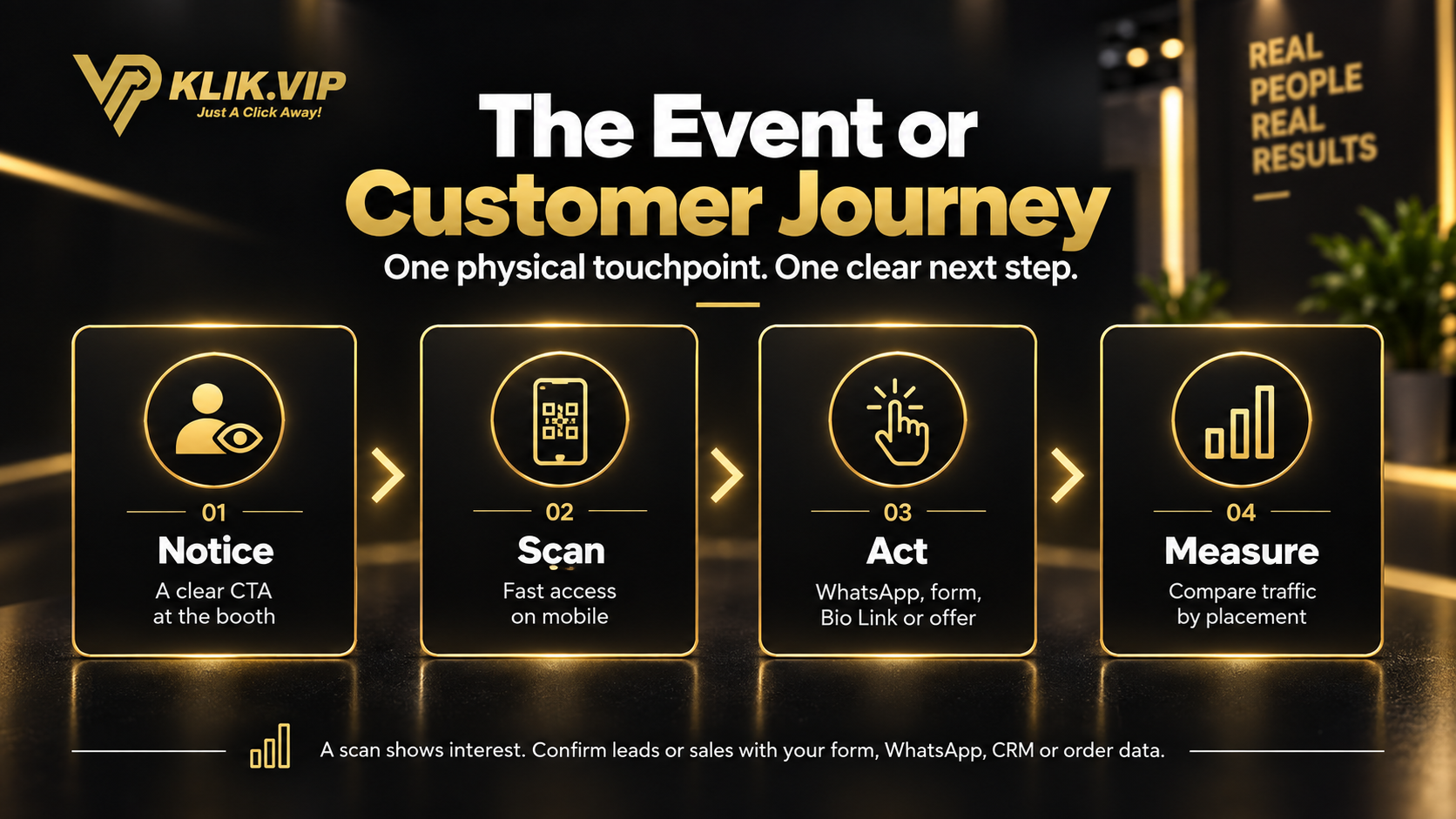
The Event or Customer Journey
The simplest way to think about event QR codes is this: first the visitor notices your booth, then scans, then takes action, and finally you measure the outcome. Each scan should move the person one step closer to a meaningful business result.
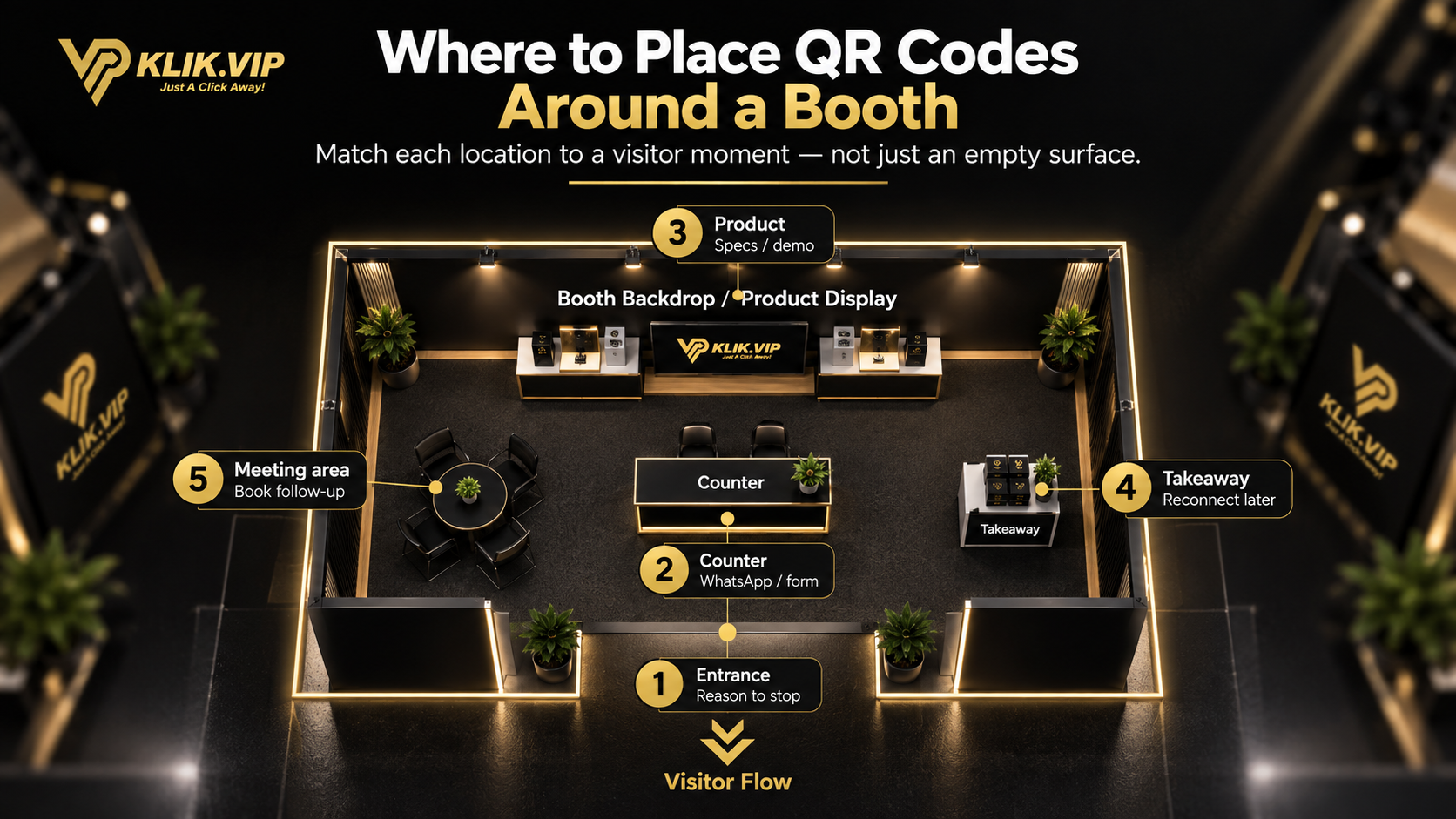
Where to Place QR Codes Around a Booth
Do not treat a QR code as decoration. Placement matters. Different positions serve different visitor moments:
- Entrance: Give passers-by a reason to stop.
- Counter: Capture enquiries, WhatsApp messages or form submissions while staff are speaking to the visitor.
- Product display: Open specifications, videos, pricing or demo pages.
- Takeaway table: Help people reconnect after leaving the booth.
- Meeting area: Share booking links or follow-up information after a discussion.
Best Practices Before You Print
- Use a clear call to action such as “Scan for Event Info”, “Scan for WhatsApp” or “Scan for Exclusive Offer”.
- Make sure the destination is mobile-friendly and loads quickly.
- Keep the page focused. Too many choices can reduce action.
- Test the QR code from different phones before the event starts.
- Use enough size and contrast so the code is easy to scan from a realistic distance.
- Create different QR codes for different placements if you want better measurement.
How to Measure QR Code Performance
The real advantage of digital QR codes is that you can measure performance. With Klik VIP, you can check scans and connect them to the links or destinations you are promoting. If you want deeper campaign insights, combine your QR setup with link tracking and UTM parameters.
For example, you can create separate campaign links for:
- counter display
- product shelf
- takeaway flyer
- speaker slide
- post-event follow-up material
This helps you understand not just how many scans happened, but where your strongest visitor response came from.
Related Reads
- What Is a QR Code?
- 15 QR Code Marketing Ideas for Business
- How to Create a WhatsApp QR Code
- What Is Link Tracking?
- What Are UTM Parameters?
Final Thoughts
QR codes are one of the simplest ways to make your booth more actionable. When used well, they can connect offline foot traffic to online actions such as WhatsApp, product discovery, bookings, lead capture and post-event follow-up.
If you want one platform to create your QR codes, short URLs and Bio Links in one place, sign up for Klik VIP and build a setup that makes every event interaction easier to track and easier to convert.
Follow the step-by-step dashboard instructions in the Klik VIP User Guide.
Create a QR CodeCreate Your Event QR Code with Klik VIP
Connect event visitors to your next digital action.
Create Your Klik VIP Account