Last updated: 10 September 2026
A WhatsApp link lets someone start a WhatsApp conversation with your business simply by clicking a URL — without manually saving your phone number first.
For businesses, this can remove unnecessary steps between somebody seeing your promotion and contacting you.
You can place a WhatsApp link on your website, social-media profile, bio link, digital advertisement, email or even behind a QR code on printed marketing materials.
WhatsApp Link Meaning in Simple Terms
A WhatsApp link is a clickable URL that opens a WhatsApp conversation with a specific phone number.
You can also add a pre-filled message so the customer does not have to start the conversation from scratch.
Why Use a WhatsApp Link for Business?
Every additional step creates friction. A WhatsApp click-to-chat link can reduce that process to clicking a link, opening WhatsApp and starting a conversation.
How to Create a Basic WhatsApp Link
The basic WhatsApp click-to-chat format is:
https://wa.me/PHONENUMBER
Replace PHONENUMBER with the full phone number in international format. Do not include the + symbol, spaces, brackets, dashes or the local leading zero.
WhatsApp Link Example for Malaysia
Malaysia's country code is 60, so a number such as 012-345 6789 becomes 60123456789 and the link becomes https://wa.me/60123456789.
How to Create a WhatsApp Link With a Pre-Filled Message
A pre-filled message can make the experience easier for customers. For example: Hi, I would like to know more about your promotion.
https://wa.me/60123456789?text=Hi%20I%20would%20like%20to%20know%20more%20about%20your%20promotion
The %20 represents spaces in the URL.
Why Use a Pre-Filled WhatsApp Message?
A pre-filled message can help customers understand what to type and can help your sales team identify where an enquiry came from.
The Problem With Long WhatsApp Links
A WhatsApp URL with a pre-filled message can become long and difficult to share on posters, business cards, presentation slides, broadcasts, social-media posts and printed flyers.
Shorten Your WhatsApp Link
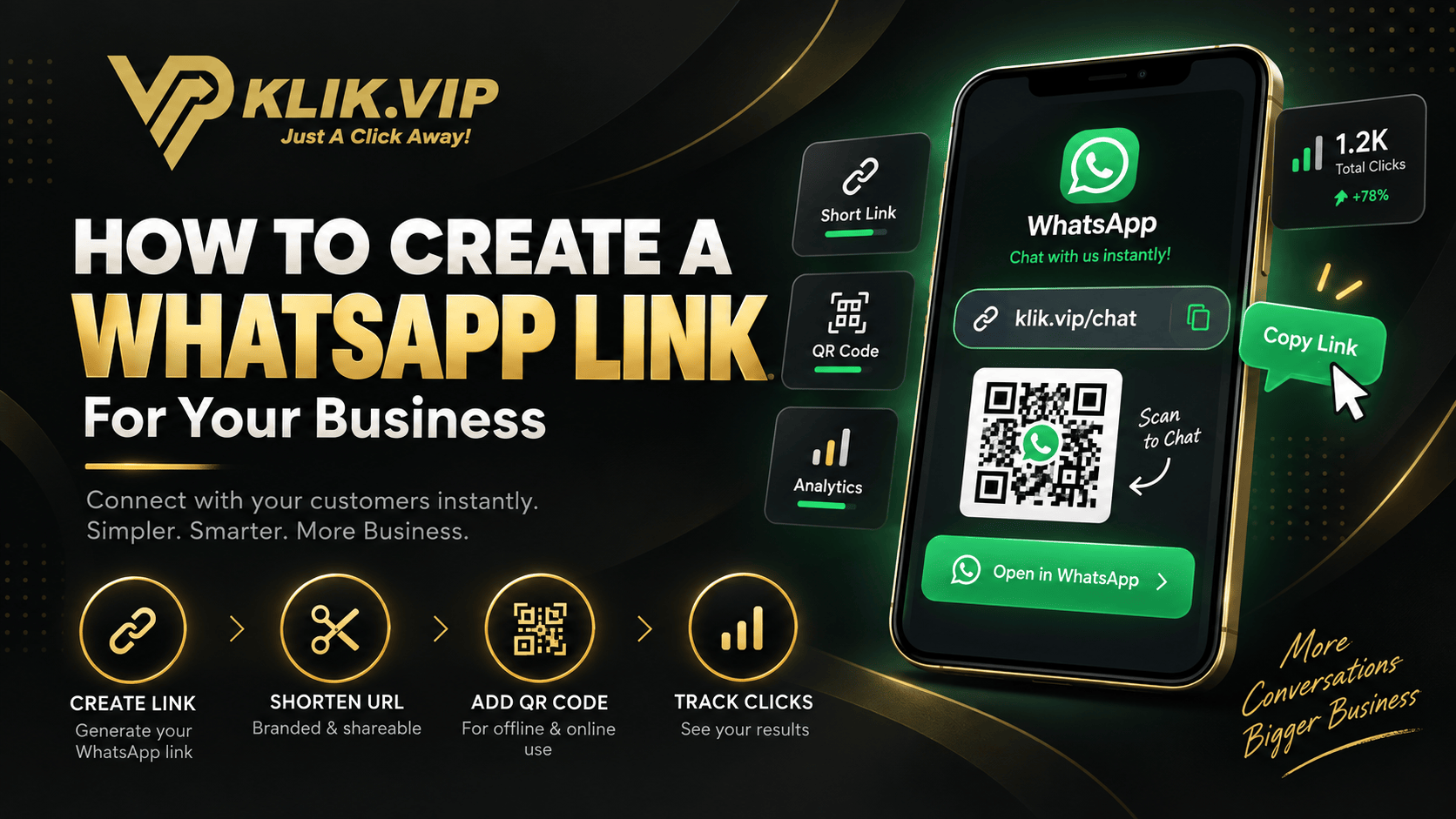
Instead of sharing the full WhatsApp URL, you can create a short link. The short URL redirects visitors to your original WhatsApp link.
Learn how short URLs work:
What Is a Short URL? How Short Links Work for Businesses
Use a Memorable Short-Link Domain
Klik VIP provides several short-link domain options that can make WhatsApp campaign links easier to remember, including klik.vip, nak.info, fyp.to, fyre.to, tekan.la and heal.ink.
Turn Your WhatsApp Link Into a QR Code
A WhatsApp link becomes particularly useful for offline marketing when it is connected to a QR code. This removes the need for customers to type or save your phone number.
Learn more about QR-code marketing:
What Is a QR Code? How Businesses Use QR Codes for Marketing
Where Can You Put a WhatsApp QR Code?
Almost anywhere customers interact with your business offline, including a shop counter, restaurant table, exhibition booth, poster, flyer or business card.
Do Not Just Write “Scan Me”
A QR code needs a reason to be scanned. Try a benefit-driven call to action such as Scan to WhatsApp Us, Scan to Order, Scan to Book Your Appointment, Scan to Claim This Offer, Scan to Ask a Question or Scan for Today's Menu.
Can You Track WhatsApp Link Clicks?
You can track activity on the link that sends visitors to WhatsApp by using different tracked short links for different campaigns.
A tracked click does not automatically mean the visitor sent a WhatsApp message or became a customer.
Read our tracking guide:
What Is Link Tracking? How Businesses Track Clicks and Campaign Performance
Should Your Bio Link Include WhatsApp?
For many businesses, yes. A bio-link page can offer several actions while keeping WhatsApp prominent.
What Is a Bio Link? A Complete Guide for Businesses
10 Ways Businesses Can Use WhatsApp Links
Businesses can use WhatsApp links for sales enquiries, reservations, product questions, event leads, customer support, promotions, restaurant orders, appointment requests, community enquiries and follow-up campaigns.
Build a Complete WhatsApp Marketing Flow With Klik VIP
A WhatsApp campaign can connect marketing material to a QR code or short URL, a tracked Klik VIP link, WhatsApp and a customer conversation.
How Does Klik VIP Compare With Linktree?
Klik VIP places particular emphasis on short URLs, QR codes, tracking and marketing utilities, while Linktree has a strong creator and monetisation ecosystem.
Klik VIP vs Linktree: Which Is Better in 2026?
Final Thoughts
A WhatsApp link can remove unnecessary steps between somebody discovering your business and starting a conversation. You can make it more useful by adding a pre-filled message, shortening the URL, connecting it to a QR code and creating separate tracked links for different campaigns.
Turn Your WhatsApp Link Into a Marketing Tool
Shorten your WhatsApp URL, create QR codes and track campaign links with Klik VIP.
Create Your Klik VIP AccountStart building cleaner and more measurable WhatsApp campaigns.
Frequently Asked Questions
How do I create a WhatsApp link?
Use the format https://wa.me/ followed by your full phone number in international format without the plus symbol, spaces, brackets or dashes.
Can I add a message to my WhatsApp link?
Yes. WhatsApp supports pre-filled text in click-to-chat links.
Can I shorten a WhatsApp link?
Yes. A URL shortener such as Klik VIP can redirect a cleaner short URL to your original WhatsApp link.
Source
WhatsApp click-to-chat link formatting was reviewed using the official WhatsApp Help Center.
Editorial note: This guide was reviewed on 10 September 2026. WhatsApp features, link formats and Klik VIP plan availability may change over time.