Last updated: 18 September 2026
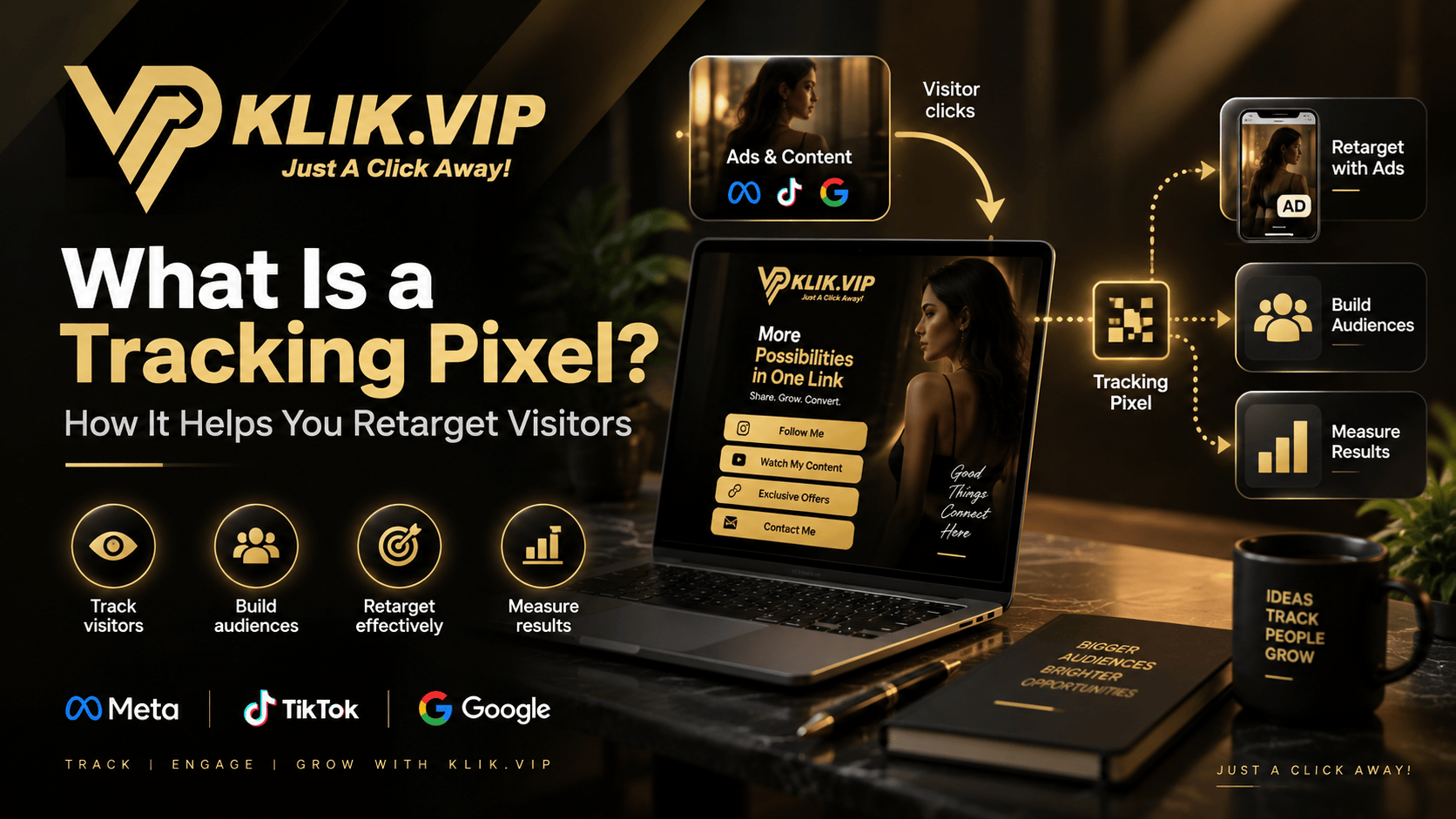
A visitor clicks your ad, opens your Bio Link or landing page, looks around — and leaves. Without measurement, that visit may disappear into a number on an analytics screen. A tracking pixel helps advertising platforms understand that visit and, when configured correctly, can support measurement, audience building and retargeting.
In this guide, we will explain what a tracking pixel is, how it works in plain English, how it differs from link tracking and UTM parameters, and where Klik VIP fits into the picture.
What Is a Tracking Pixel?
“Tracking pixel” is a common marketing term for browser-side tracking technology used by advertising and analytics platforms. Despite the name, modern pixels are often implemented as small code snippets or tags rather than a literal one-pixel image.
When the tracking code is present on an eligible page and an event occurs — such as a page view, button click or other configured action — information about that event can be sent to the connected advertising or analytics platform.
Different platforms use different names. Common examples include:
- Meta Pixel for Meta advertising and measurement
- TikTok Pixel for TikTok website-event measurement and campaign optimisation
- Google tag for sending website data to connected Google products such as Google Ads and Google Analytics
How Tracking Pixels Help With Retargeting
Imagine 1,000 people visit a campaign page. Most will not buy, enquire or book immediately. Some may need more time. Others may simply get distracted.
When the appropriate tracking technology is configured, an ad platform may be able to use eligible visitor-event data to help create audiences or optimise campaigns. You can then build campaigns intended to reconnect with people who previously interacted with your website or landing page.
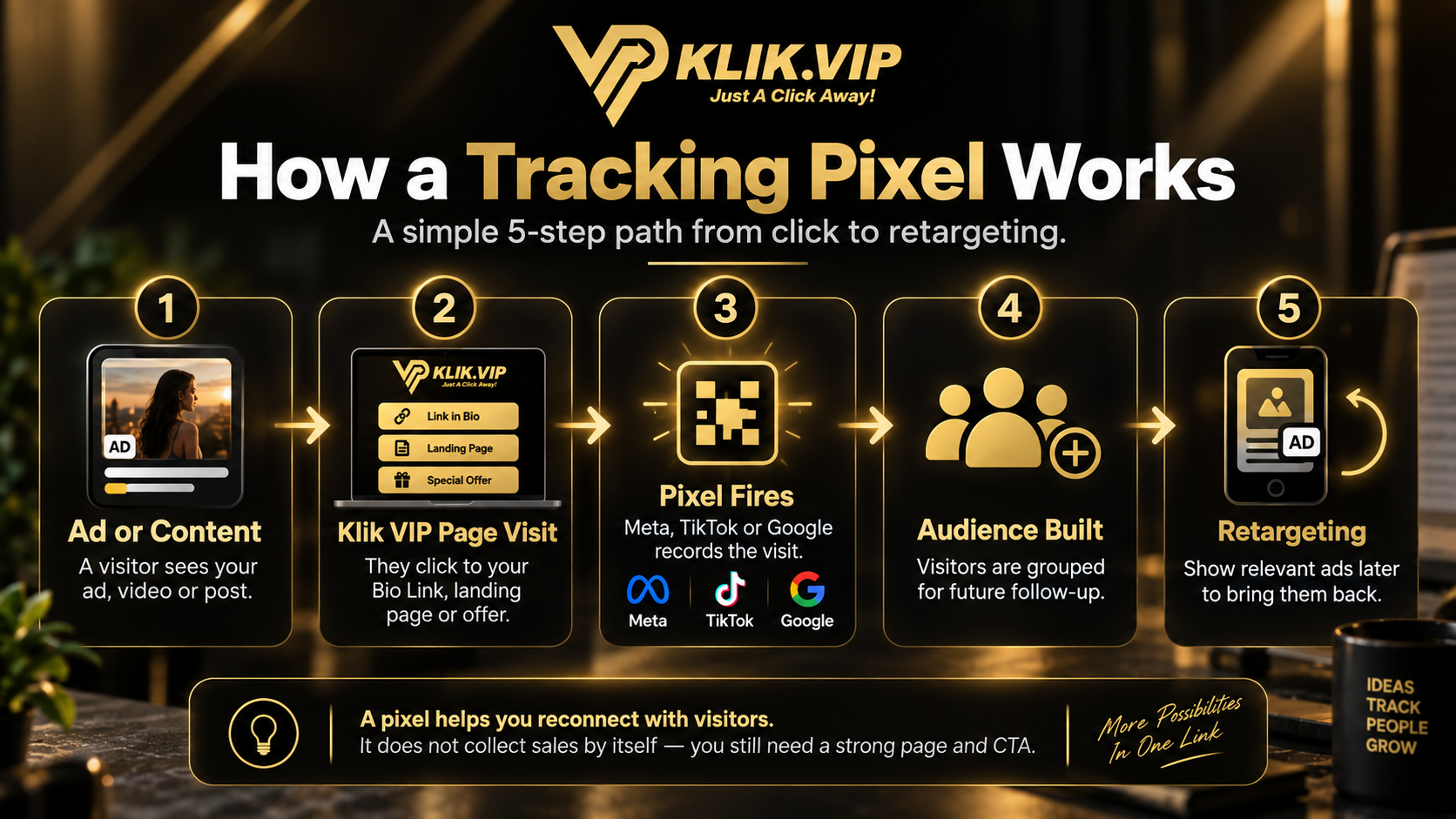
A Simple Tracking Pixel Example
↓
Clicks Your Link
↓
Visits a Page With the Tracking Setup
↓
Eligible Event Data Is Sent to the Platform
↓
Measure, Optimise or Build an Audience
The important word is eligible. Tracking does not mean every visitor automatically becomes part of a retargeting audience, and different platforms have their own rules, consent requirements, event definitions and audience thresholds.
Why Businesses Use Tracking Pixels
Reconnect through advertising with eligible audiences who previously interacted with your pages.
Understand which campaigns and events are contributing to the customer journey.
Provide event signals that supported advertising systems can use when optimising campaigns.
Combine pixel data with links, UTM parameters and your own sales data for a clearer picture.
Tracking Pixel vs Link Tracking vs UTM Parameters
These tools are related, but they answer different questions.
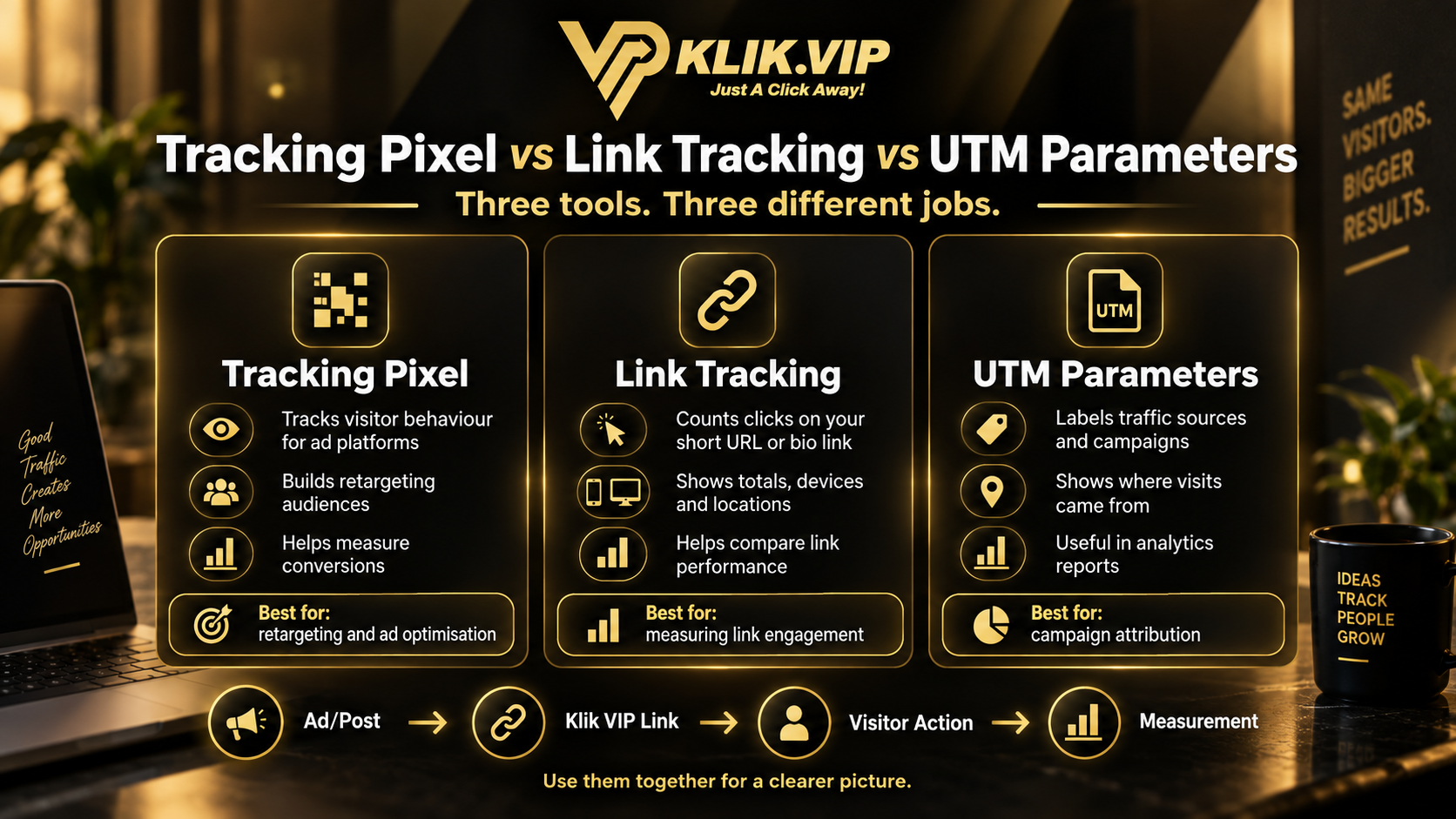
| Tool | Main Question | Typical Use |
|---|---|---|
| Tracking Pixel / Tag | What eligible actions happened on a tagged page? | Measurement, audience building, optimisation and retargeting |
| Link Tracking | How did people interact with this managed link? | Clicks, visits and campaign-link performance |
| UTM Parameters | Where did this traffic come from? | Source, medium and campaign labelling |
How Klik VIP Fits Into the Measurement Stack
Klik VIP combines link management, Bio Links, QR Codes and analytics in one platform. It also supports tracking-pixel integrations in supported configurations, allowing marketers to connect selected customer touchpoints with advertising and analytics tools.
That means a campaign can use different layers of measurement:
Instagram Ad → Klik VIP Bio Link → Product Page → WhatsApp Enquiry
You might use UTM parameters to identify the campaign source, Klik VIP link analytics to understand link activity, and a supported advertising pixel/tag to measure eligible page events or support audience building.
Each layer gives you a different piece of information. None of them, by itself, should be treated as proof that a sale happened.
Meta Pixel, TikTok Pixel and Google Tag: Are They the Same?
They serve related measurement purposes but belong to different ecosystems.
Meta Pixel
Meta uses browser-based tracking technology to support website-event measurement, advertising optimisation and audience-related use cases across its advertising ecosystem.
TikTok Pixel
TikTok describes its Pixel as code placed on a website to share website events with TikTok. TikTok says it can be used to measure website traffic and campaign performance, optimise campaigns and support customer acquisition.
Google Tag
Google now uses the term Google tag for its site-wide tagging technology. A single Google tag can send website data to connected Google products such as Google Ads and Google Analytics. Google Ads can also use website tagging for remarketing and audience use cases.
When Should You Use a Tracking Pixel?
Tracking pixels are most useful when you are actively running digital campaigns and have enough traffic for the resulting data to be meaningful.
Common situations include:
- Running Meta or TikTok advertising
- Sending paid traffic to landing pages or Bio Links
- Building retargeting or remarketing audiences
- Measuring campaign events
- Testing different offers or funnels
- Trying to understand what happens after the ad click
When a Tracking Pixel Is Not Enough
A pixel does not replace your CRM, order system, payment system or sales records.
For example:
- A page view does not mean the visitor bought.
- A button click does not mean the WhatsApp conversation converted.
- A QR scan does not mean a lead was qualified.
- An audience event does not prove revenue.
Use pixel and link data as part of the customer journey, then verify real outcomes using your lead, order, booking or payment data.
Privacy and Consent Matter
Tracking and advertising technologies can involve personal data, cookies or similar identifiers depending on how they are implemented. Businesses should provide appropriate information to users and obtain consent where required by applicable law and platform policy.
Do not install tracking simply because the technology is available. Understand what data is being collected, why you need it and what consent or disclosures your business requires.
Common Tracking Pixel Mistakes
1. Installing a Pixel but Never Testing It
A tracking setup only helps if the expected events actually fire. Always verify the implementation using the testing tools provided by the relevant platform.
2. Measuring Everything Without a Clear Goal
Choose events that reflect the customer journey. More events do not automatically mean better insight.
3. Confusing Pixel Data With Sales Data
Advertising-platform signals help with measurement and optimisation, but your final business results still come from actual leads, bookings, orders or payments.
4. Ignoring Link Tracking and UTM Parameters
A pixel tells only part of the story. Use link analytics and campaign labels to understand how people arrived and what they clicked.
5. Forgetting Privacy Requirements
Consent and disclosure requirements vary. Make privacy part of the implementation, not an afterthought.
Follow the step-by-step dashboard instructions in the Klik VIP User Guide.
Set Up Tracking PixelsRelated Klik VIP Guides
Understand how managed-link activity is measured What Are UTM Parameters?
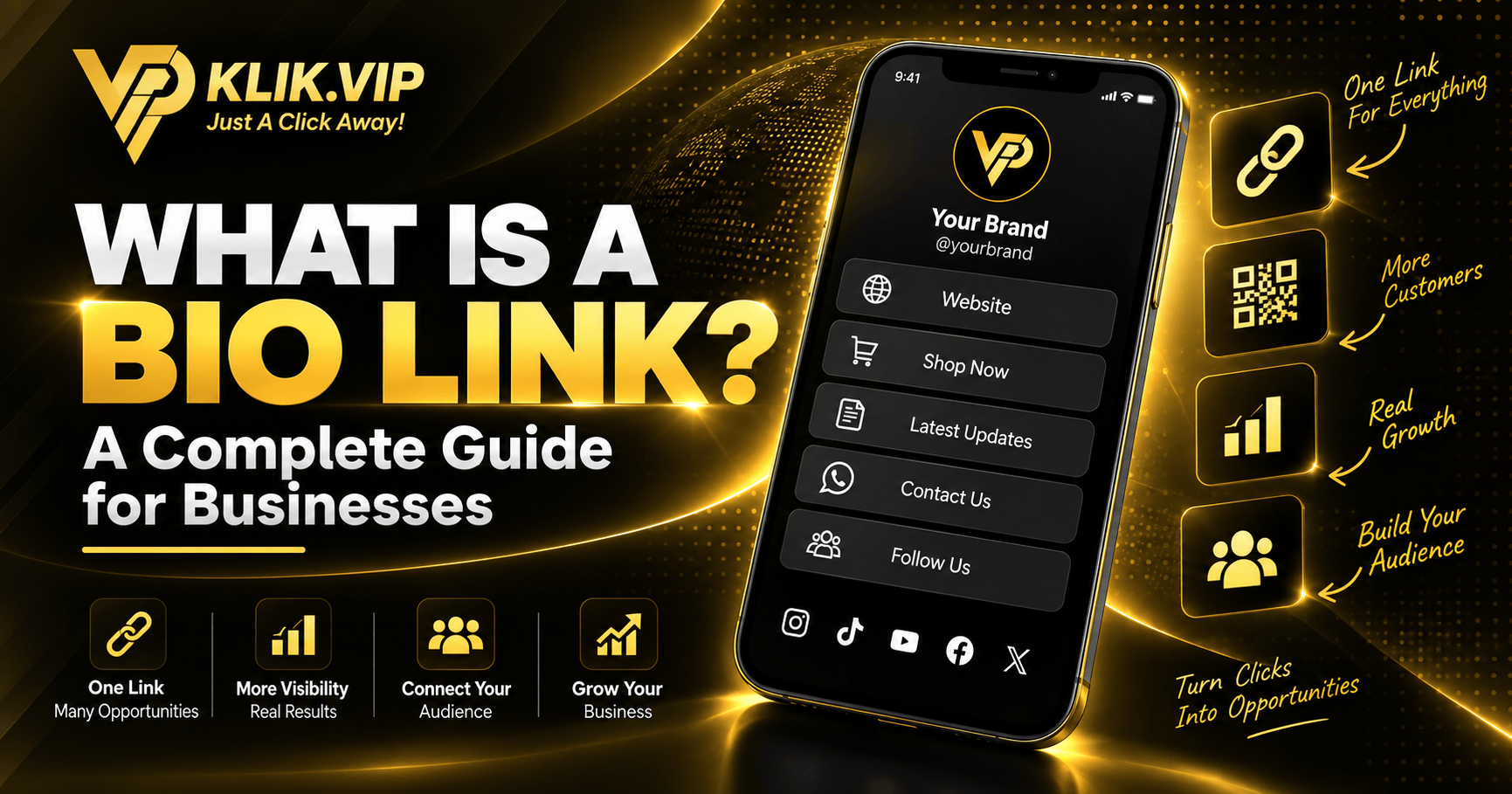
Label campaign traffic by source, medium and campaign What Is a Bio Link?
Learn how one mobile page can connect multiple actions What Is a Short URL?
Understand short links and campaign management
Final Thoughts
A tracking pixel is not magic. It is one part of a measurement system that helps advertising platforms understand eligible activity on your pages.
Use it together with link tracking, UTM parameters and your actual business data. That combination gives you a much clearer picture of where traffic came from, what visitors did and which campaigns deserve more attention.
Build Smarter Marketing Links With Klik VIP
Bring Bio Links, Short URLs, QR Codes, analytics and supported tracking integrations into one marketing workflow.
Create Your Klik VIP AccountFrequently Asked Questions
What does a tracking pixel actually track?
It depends on the platform and the events you configure. Common examples include page views, clicks and other website actions. The data available and how it can be used depend on the platform, implementation and consent settings.
Can a tracking pixel identify every visitor?
No. Browser restrictions, consent choices, platform policies and technical conditions can limit what is measured or attributed.
Is a tracking pixel the same as Google Analytics?
No. The terms overlap because both involve website measurement, but a platform pixel or tag is usually tied to a particular advertising or analytics ecosystem. Google Analytics is an analytics product, while the Google tag is a site-wide tagging technology that can send data to connected Google destinations.
Do I still need UTM parameters if I use tracking pixels?
Usually, yes. UTM parameters help identify where traffic came from, while pixels or tags measure eligible events and support advertising-platform use cases. They solve different parts of the measurement problem.
Can Klik VIP work with tracking pixels?
Klik VIP supports tracking-pixel integrations in supported configurations. For the exact setup process and the options currently available in your account, use the Klik VIP User Guide.
Editorial note: Advertising, analytics and privacy technologies change over time. Always verify the current requirements of the advertising platform you use and your applicable privacy obligations.