Quick summary
The Delete Account section shown in the current Klik VIP interface requires your Current Password before the Delete action can be submitted.
What is Delete Account?
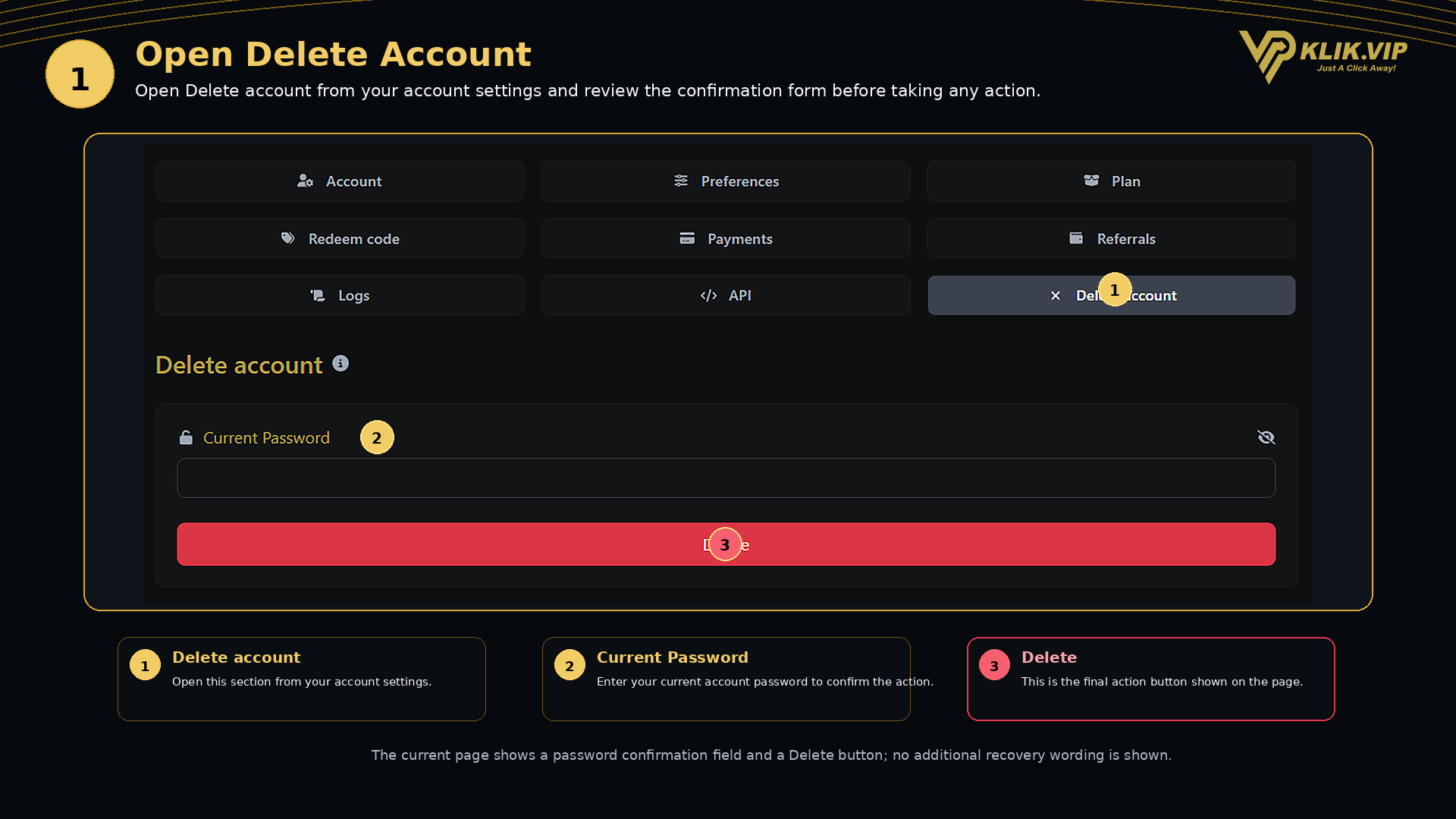
The Delete account section is the account-level page used to submit an account deletion action.
Based on the current screen, the form contains two main controls:
Current Password
Used to confirm that the person submitting the action knows the current account password.
Delete
The red action button shown at the bottom of the form.
Click or tap the image to view full size.
1. Open Delete Account
From your account settings, select Delete account.
Important: this page performs an account-level deletion action. Do not use it when you only want to change a plan, update account details, or remove an individual link.
2. Enter Your Current Password
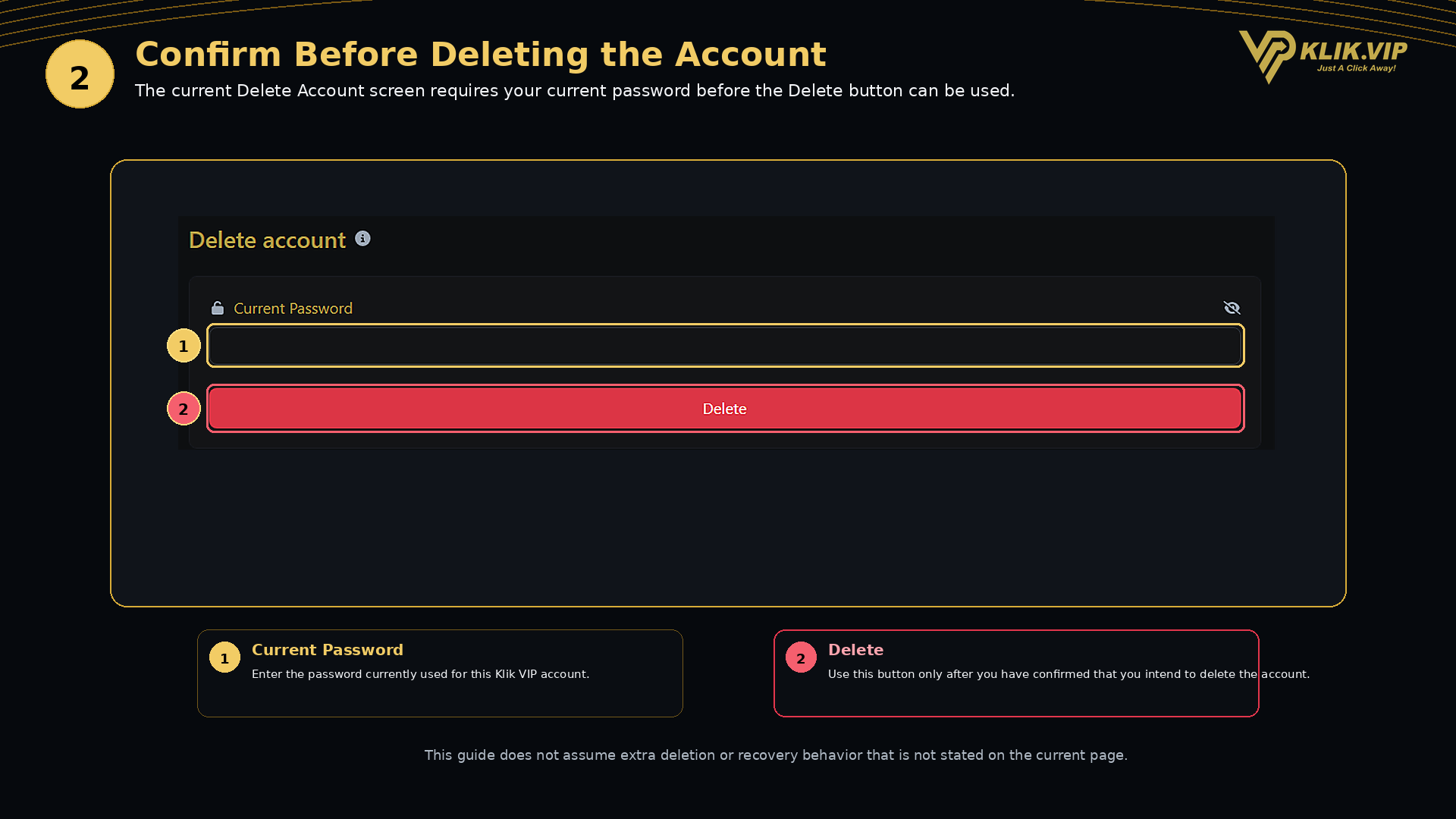
Enter the password currently used for your Klik VIP account into the Current Password field.
- Use your current account password.
- The password field includes a visibility control on the right side.
- Check that you are working in the correct Klik VIP account before continuing.
3. Review Before Clicking Delete
After entering the current password, the page provides a red Delete button.
Click or tap the image to view full size.
Check before continuing: make sure you actually intend to perform the account deletion action before pressing Delete.
Important Notes
- The current Delete Account screen shown in this guide requires a password confirmation.
- The supplied screen does not show additional wording about recovery, retention periods, or what specific data is removed.
- This guide therefore does not assume any additional deletion or recovery behavior that is not stated in the current interface.
- If the Delete Account page changes in the future, follow the wording shown on the live page before proceeding.
Recommended flow: open Delete account → confirm you are in the correct account → enter your current password → review the page → use Delete only when you intend to submit the account deletion action.